
Cores, threads, clock speed, and cache size
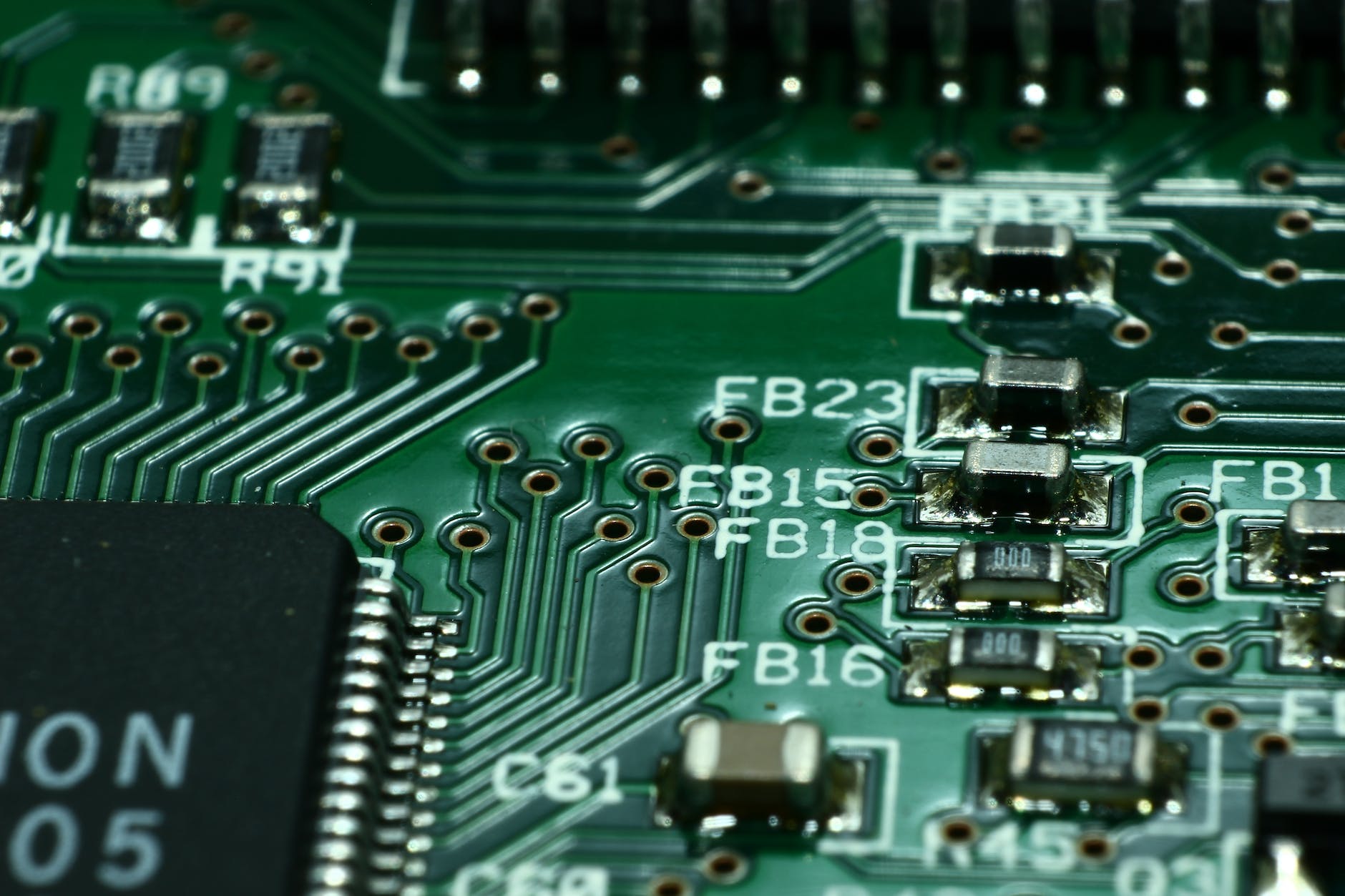
Cores are separate processing units within a CPU that can independently execute instructions. So having multiple cores allows a CPU to work on several tasks at the same time, resulting in improved overall performance.
Many older games and some current titles are designed to primarily use a single core. In these cases, CPUs with fewer but faster cores (see clock speed and cache size below) might outperform those with more but slower cores.
However, newer games are becoming better at utilizing multiple cores, which can provide improved performance on CPUs with more cores. Moreover, if you plan on streaming your gameplay, recording videos, or running other applications simultaneously while gaming, a CPU with more cores can be beneficial.
While AMD cores are all equally performing, Intel’s Cores are subdivided into performance cores (P-cores) and efficient cores (E-cores). Performance cores are faster and are used for tasks that require high computational power, such as gaming, video editing, or 3D rendering. These cores use up a lot of electrical energy. Efficient cores consume significantly less power while still providing sufficient processing capabilities for less demanding tasks, such as web browsing, reading emails, playing audio, or watching videos.
Threads are the smallest units of execution within a CPU. They represent sequences of instructions that a core can execute. Threads are used to run software applications and perform various tasks. Each core in a CPU can handle one or more threads simultaneously. Games typically rely heavily on single-threaded tasks as opposed to multi-threaded tasks, where more threads are running simultaneously.
Clock speed determines how quickly the CPU can execute instructions and is measured in gigahertz (GHz). A higher clock speed means that the CPU can process instructions (threads) more quickly. You may have heard of “Overclocking”, this refers to the process of temporarily increasing clock speed for a boost in performance (here is more info on overclocking).
Cache memory is a type of high-speed temporary memory that is located on the CPU and is used to store frequently accessed data and instructions. It serves as a buffer between the CPU and the slower main memory (RAM).
Cache memory helps improve the CPU’s speed by reducing the time it takes to access frequently used data, as accessing data from the cache is much faster than accessing it from the main memory.
Cache size refers to the amount of data that can be stored in the cache memory. A larger cache size leads to better performance (faster data processing), as more data can be stored closer to the CPU cores, reducing the need to fetch data from slower main memory.
The Cache is typically subdivided into three levels:
- L1 Cache (level 1) is the the smallest in size, typically between 16KB to 128KB per core, but also the fastest, since it’s closest to the CPU cores. It primarily stores the most frequently accessed data and instructions for each individual core.
- L2 Cache (level 2) is larger than L1, generally ranging from 256KB to 2MB per core but a bit slower than L1. L2 is generally dedicated to each core, like L1.
- L3 Cache (Level 3) is the largest, usually between 2MB to 64MB, shared across all cores in a CPU. It’s the slowest, but is still much faster than accessing main RAM. It acts as a shared memory between cores, which helps improve data access times for multi-threaded tasks and overall CPU efficiency.
Intel® Smart Cache is a type of L3 cache that allows all cores on a CPU to dynamically access the entire L3 cache, rather than assigning fixed portions of it to each core.
While all three caches contribute to CPU efficiency, a larger L3 cache often translates to better gaming performance because it can store more of the game’s larger datasets (e.g., textures, physics data, and scene information) and improve inter-core communication, which are both critical in modern games that leverage multiple cores.
High clock speed and a large cache size can make a noticeable difference in performance (average fps) when playing at 1080p (FHD) or 1440p (QHD). However, when gaming at higher resolutions (e.g. 4K) and graphics setting the bottleneck is typically represented by the graphics card (GPU). So, while a capable CPU is important, investing in a high-quality GPU is usually more critical for gaming performance in graphically demanding games.
 Gaming PC Advice