
BEST GAMING KEYBOARDS
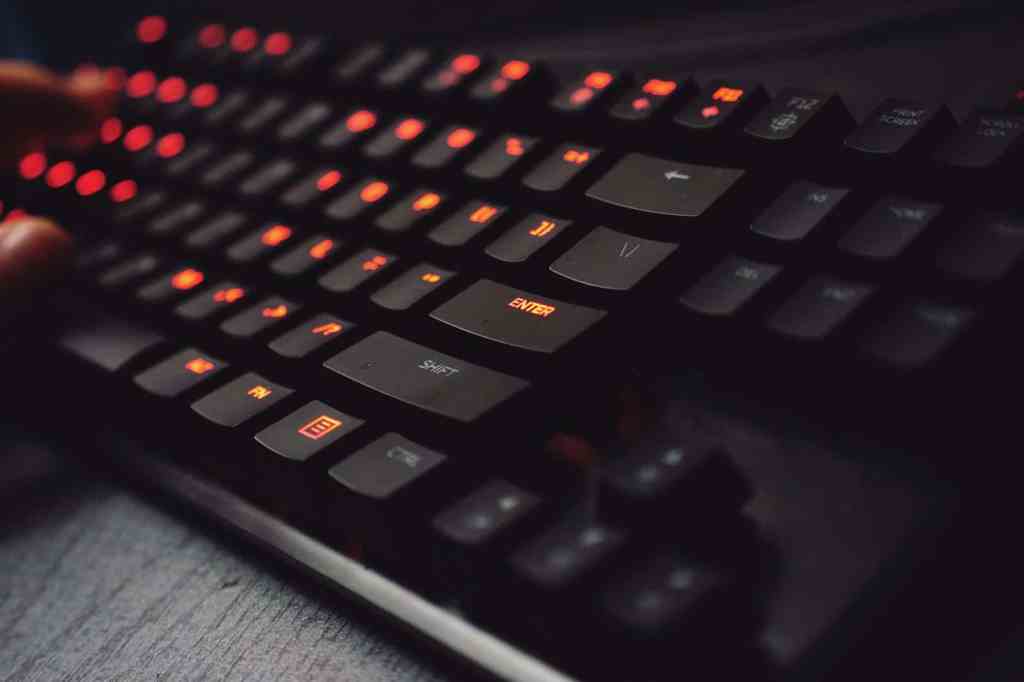
Keyboards come in full-size (100%), tenkeyless (TKL, without a numbers pad), compact TKL (TKL variants with less space between keys, 80% and 75%), 65% (no function keys and numpad) and 60% (no function keys, arrow keys, and numpad) form factors.
If you have plenty of room on your desk, you can buy a full-size keyboard but if your priority is plenty of room to move your mouse or portability, then you should consider the smaller size formats.
Furthermore, keyboards can be wired or wireless. The benefit of wireless keyboards is mostly to reduce clutter on your desk, but they require batteries to be replaced on a regular basis, so beware if you don’t want to be let down in the middle of the action.
There are three main types of keyboard keys (or switches): “membrane”, “mechanical ”, and “optical”:
- Membrane keyboards have a series of pressure pads or membranes beneath the keys. When a key is pressed, the membrane underneath makes contact with another layer, completing the circuit and registering the keypress. Membrane keyboards are often quieter and less expensive than mechanical keyboards, but they may not provide the same tactile feedback.
- Mechanical keyboards use individual mechanical switches for each key. Mechanical switches are made of several moving parts, including a hard plastic “stem” containing two metal contacts and a spring underneath. When a key is pressed, the stem pushes the contacts together, completing the circuit and registering the keypress. While membrane keys feel nicer on your fingertips, mechanical keys are better for gaming, mostly because of their accuracy, tactical feedback, and durability. Some mechanical keyboards use magnetic switches and are sometimes called magnetic-mechanical. The advantage of magnetic switches is that they can enable two actions with one keypress (see analog switches below).
- Optical keyboards, also known as optical switch keyboards, use infrared light beams to register key presses, instead of relying on physical contact like traditional mechanical or membrane keyboards. Optical keyboards have faster response times compared to traditional mechanical keyboards and are also more durable.
Additional types are hybrids of those mentioned above, such as mecha-membrane (hybrid between mechanical and membrane) or optical-mechanical.
Mechanical switches can be further subdivided into linear, tactile, clicky, and analog. Note that these types are not all mutually exclusive, for example a switch can be both tactile and clicky. These sub-types are also available for optical switches. Analog switches are only available on optical and magnetic-mechanical keyboards.
- Linear switches have a smooth keystroke without any tactile bump or audible click. When you press a key with a linear switch, it moves smoothly from top to bottom.
- Tactile switches have a noticeable bump in the middle of the keystroke. This bump provides tactile feedback to the user, indicating that the keypress has been registered. These switches are preferable if you want to feel when a keypress has been actuated without bottoming out the key (faster input).
- Clicky switches combine tactile feedback with an audible click sound when the key is pressed. The click provides both physical and auditory confirmation of the keypress.
- Analog switches can detect how far a key is pressed instead of being limited to a traditional binary input (pressed/not pressed). Different levels of pressure can translate into different in-game responses (e.g. walking vs running, slow fire vs rapid fire, etc.).
Some mechanical and optical switches can be “hot-swappable”. Hot-swappable switches in gaming keyboards mean that you can remove and replace the mechanical switches under the keycaps without soldering. The switches simply plug into sockets on the keyboard’s PCB (printed circuit board).
Advantages include easy customization—for example, mixing different types of switches (linear, tactile, and clicky) on the same keyboard—as well as simple repairs, since a single broken switch can be replaced without having to replace the entire keyboard.
Most gaming keyboards have backlighting, so that keys are easy to find even in a dimly lit environment and immersion-aiding effects can be created. RGB backlights (multiple colours) are especially useful to help you find the right keys faster. Some keyboards also let you customize the light colors to map specific parts of the keyboard (or even individual keys!). Very useful to keep track of what keys are where.
Finally, when it comes to keyboards, two terms to know are N-key rollover and key ghosting. In “N-key rollover” the letter N means that a number of keys can be pressed simultaneously and they will all still register. “Key ghosting” happens when the keyboard accidentally registers a press on an adjacent key that was never pressed. All top gaming keyboards have anti-ghosting technology to prevent this from happening.
Below is our selection of best gaming keyboards ordered by increasing price (prices are in US$ and may vary depending on current promotions and availability). Please make sure that you also check our regularly updated News & Deals section for limited-time offers.
MK1
($28.99 on Newegg.com)
- Size: tenkeyless
- Connection: wired
- Keys: mechanical
- Backlighting: 7-Color LED Backlit (20+ modes)
- Misc: N-Key rollover, anti-ghosting

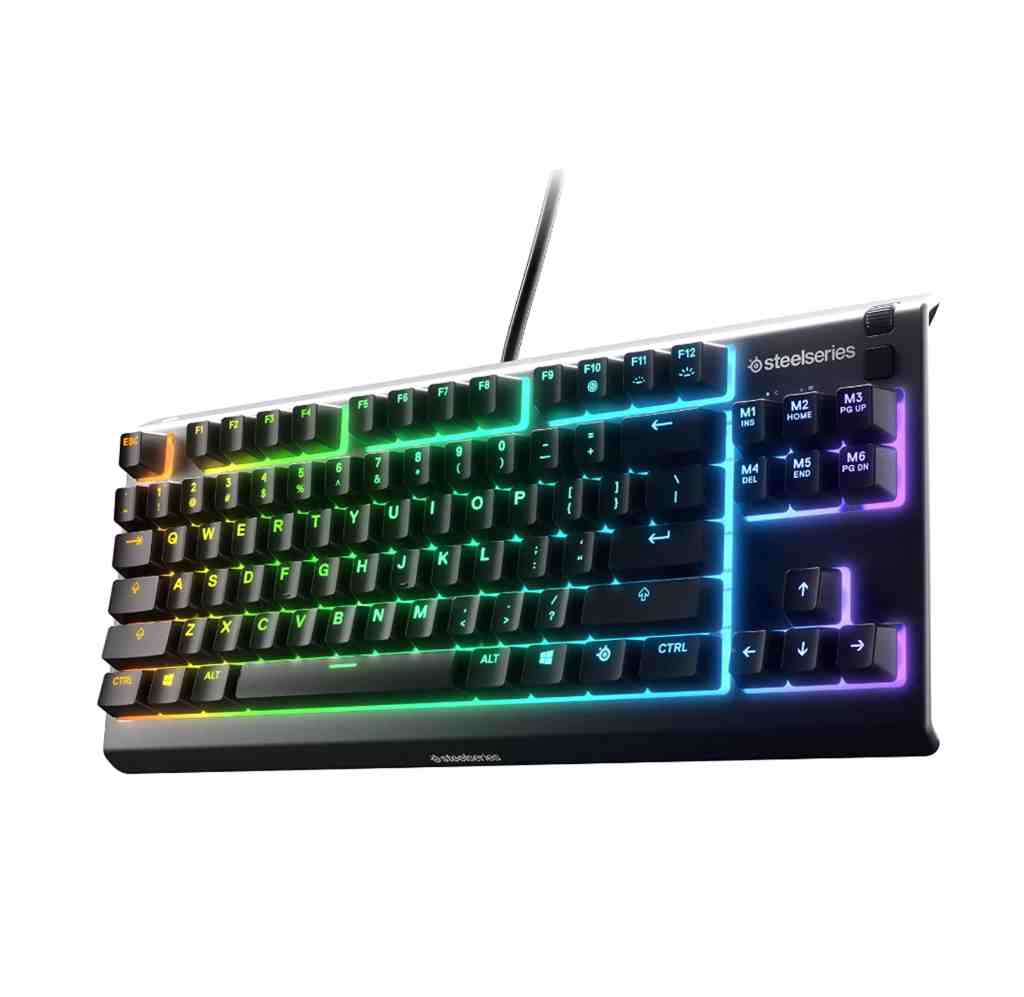
SteelSeries Apex 3 TKL RGB
($49.99 on Amazon.com)
- Size: tenkeyless
- Connection: wired
- Keys: membrane
- Backlighting: customizable RGB Illumination
- Misc: N-Key rollover, anti-ghosting, IP32 water & dust resistant
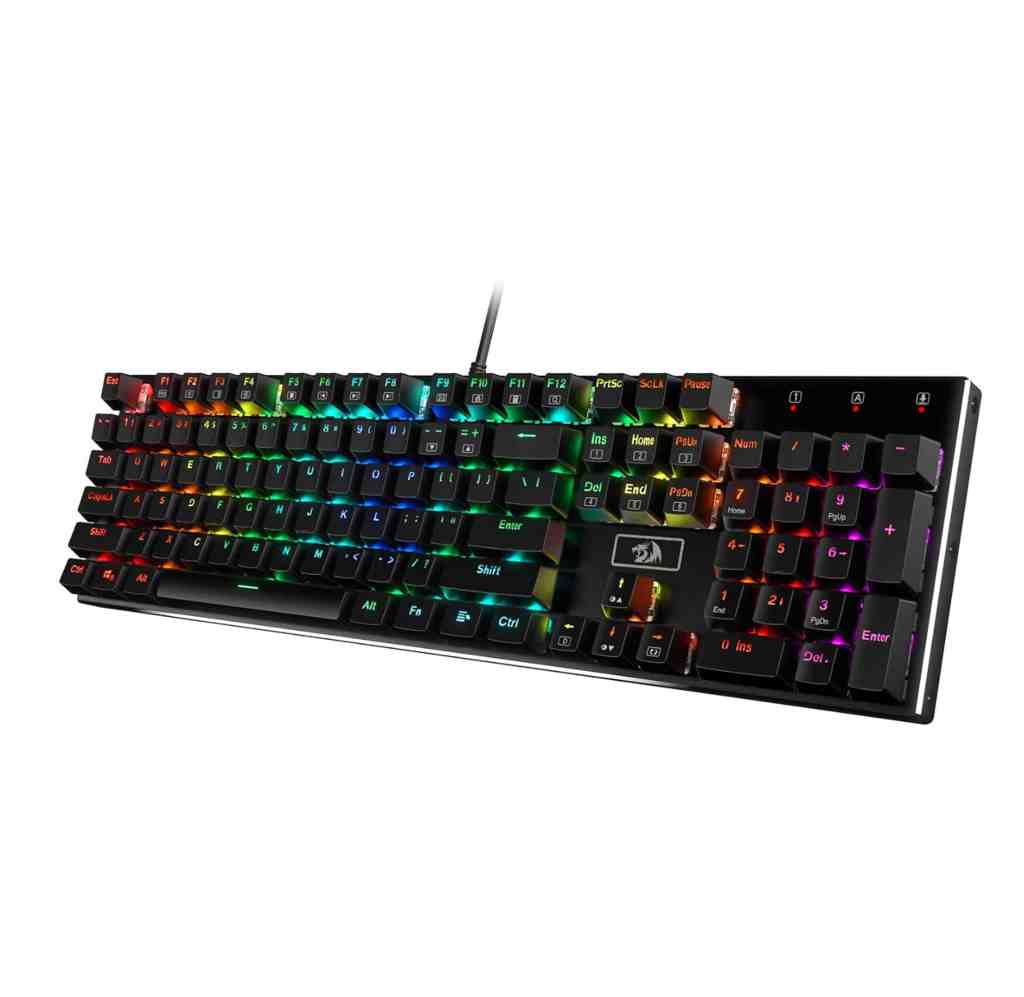
Redragon K556 RGB LED Backlit
($59.99 on Amazon.com)
- Size: full size
- Connection: wired
- Keys: mechanical
- Backlighting: customizable RGB Illumination (18 Backlit Modes)
- Misc: N-Key rollover, anti-ghosting, hot-swappable switches
Razer Ornata V3
($69.99 on Amazon.com)
- Size: full size
- Connection: wired
- Keys: mecha-membrane
- Backlighting: 10-Zone RGB Lighting
- Misc: N-Key rollover, anti-ghosting, UV-coated keycaps (=fade resistant), magnetic soft-touch wrist rest

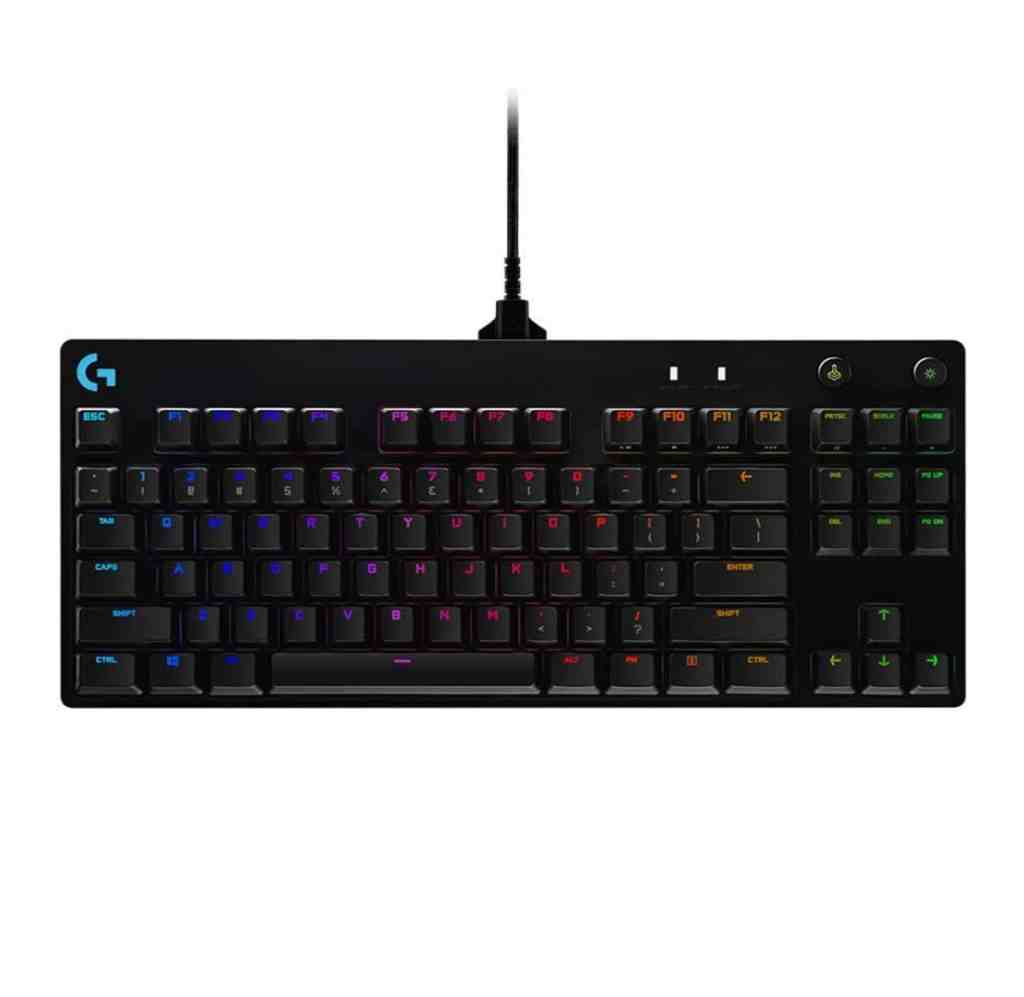
Logitech G PRO
($119.99 on Amazon.com)
- Size: tenkeyless
- Connection: wired
- Keys: mechanical
- Backlighting: customizable Lightsync RGB Illumination
- Misc: N-Key rollover, anti-ghosting, 3-step angle adjustment
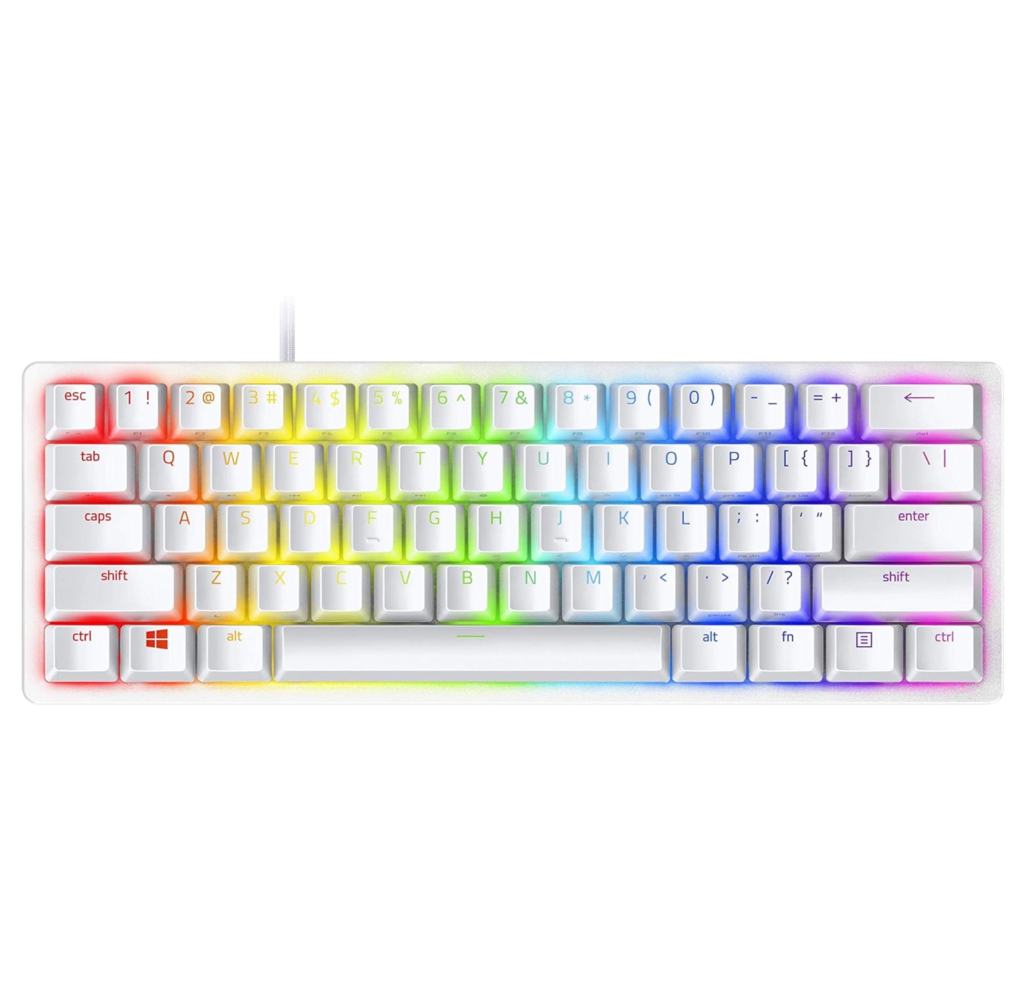
Razer Huntsman Mini 60%
($119.99 on Amazon.com)
- Size: 60%
- Connection: wired
- Keys: optical
- Backlighting: RGB Illumination
- Misc: N-Key rollover, anti-ghosting, PBT doubleshot keycaps, fully programmable macros, onboard memory with up to 5 profiles
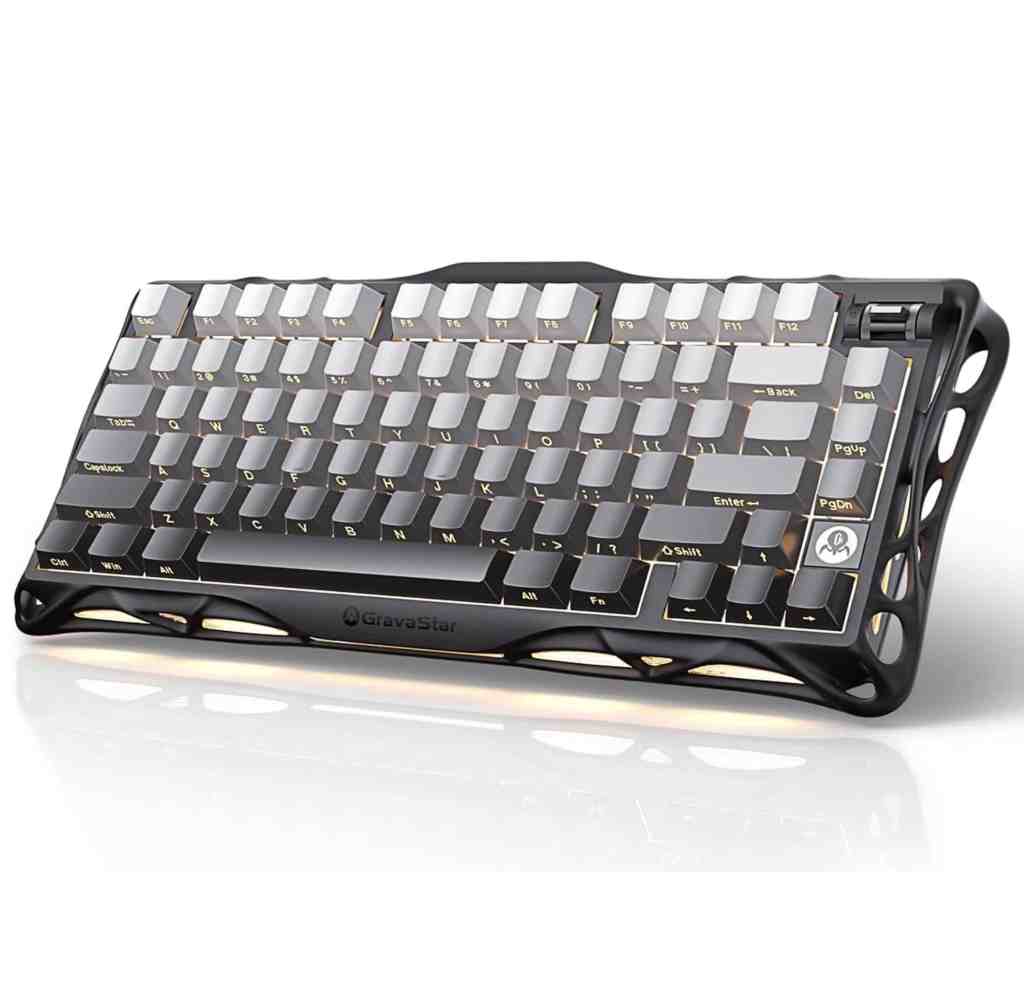
GravaStar Mercury K1
($159.95 on Amazon.com)
- Size: compact TKL (75%)
- Connection: wireless (dongle, Bluetooth) or wired (USB-C)
- Keys: mechanical (linear)
- Backlighting: customizable RGB illumination
- Misc: N-Key rollover, anti-ghosting, hot-swappable switches, durable PBT and PC keycaps, 5-layered sound-dampening foam, up to 470h battery life, volume roller
Logitech G715
($199.99 on Amazon.com)
- Size: tenkeyless
Connection: wireless (dongle, Bluetooth)
Keys: mechanical (clicky)
Backlighting: customizable Lightsync RGB illumination (per key)
Misc: N-Key rollover, anti-ghosting, height adjustable, cloud-shaped soft wrist rest, 25h battery life, media controls

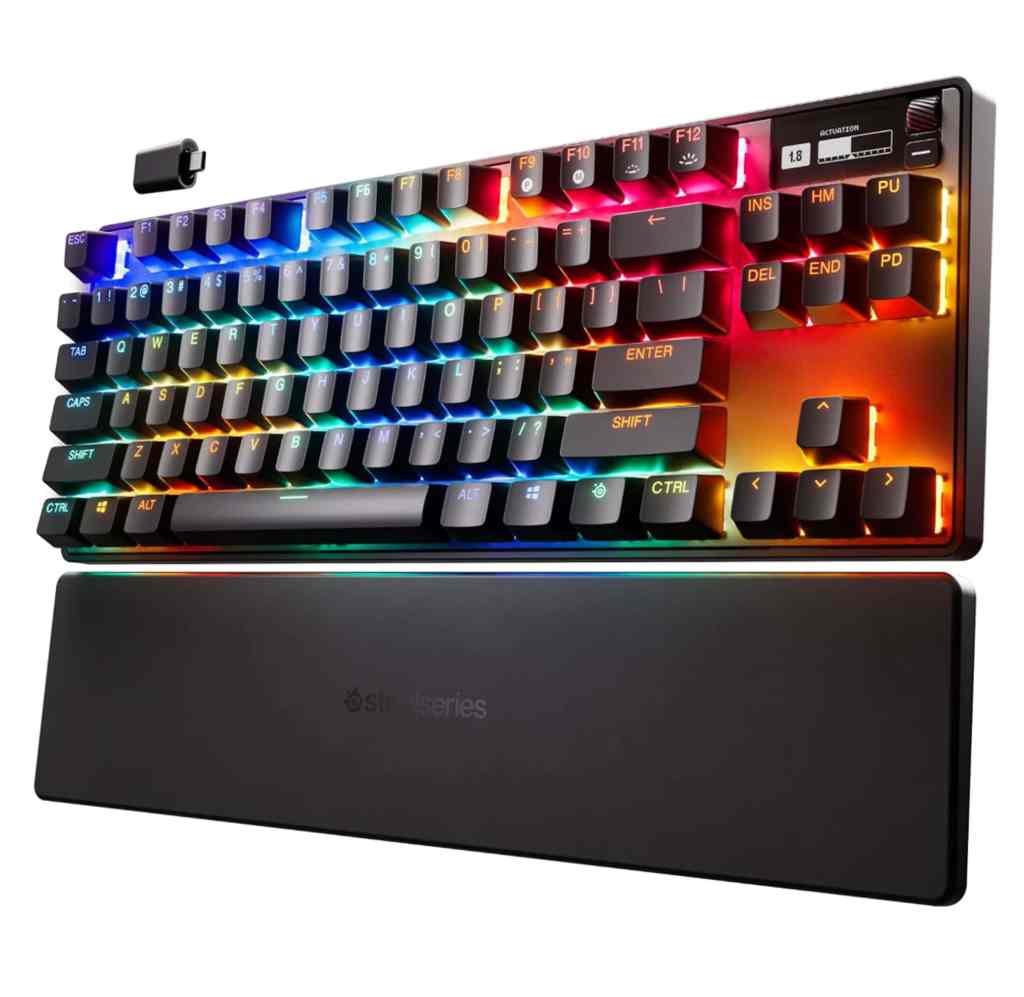
SteelSeries Apex Pro TKL
($239.99 on Amazon.com)
- Size: tenkeyless
- Connection: wireless
- Keys: mechanical (analog)
- Backlighting: RGB Illumination (per key)
- Misc: N-Key rollover, anti-ghosting, OmniPoint 2.0 adjustable HyperMagnetic switches (= adjustable actuation, increased activation speed, and let you bind two actions to one key), tilt adjustable, double-shot PBT keycaps, wrist rest, 35h battery life (RGB lights on), OLED Smart Display
 Gaming PC Advice