
BEST WEBCAMS FOR STREAMING
When choosing a webcam for streaming, there are several factors to consider to ensure you pick a good one. Here are some key points to keep in mind:
- Image Quality: Look for a webcam that offers high-definition (full HD = 1080P) or even 4K resolution. A higher resolution will result in a clearer and more detailed image, enhancing the viewing experience for your audience.
- Frame Rate (fps): A higher frame rate, such as 30 or 60 frames per second (fps), ensures smoother video playback without choppiness or lag. This is especially important for fast-paced gaming streams.
- Low Light Performance: Consider a webcam with good low light performance, as streaming environments can vary in lighting conditions. Look for features like auto light correction or low-light optimization to maintain image quality even in dimly lit settings.
- Field of View (FOV): The FOV determines how much of the scene the webcam can capture. A wider FOV can be beneficial for streaming as it allows you to show more of your surroundings or accommodate multiple people in the frame.
- Autofocus and Image Stabilization: These features are useful for keeping your video sharp and in focus, even if you move around or your streaming setup experiences vibrations.
- PC requirements: You will need to meet some minimum requirements on your PC to get the most out of your webcam. Streaming at a higher resolution (e.g. 4K) is of course much more demanding than streaming at 1080p.
Below are some of the best webcams ordered by increasing price (prices are in US$ and may vary depending on current promotions and availability). Please make sure that you also check our regularly updated News & Deals section for limited-time offers.
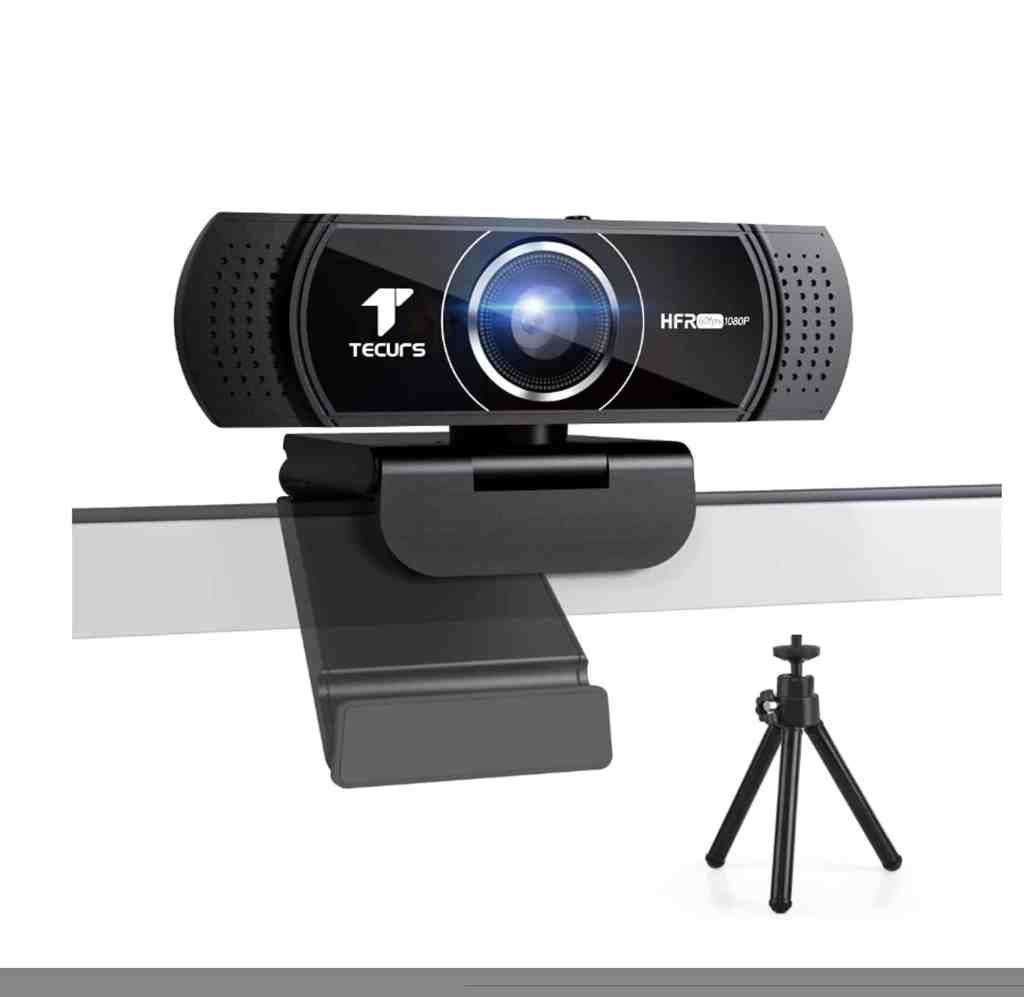
TECURS
($32.99 on Amazon.com)
- Image quality: 1080p
- Frame rate: 60fps
- Low light correction: Yes
- FOV: 78°
- Autofocus: Yes
- Misc: Privacy cover, tripod, in-built noise-cancelling dual analog microphones
DEPSTECH DW49
($69.99 on Amazon.com)
- Image quality: 4K, 1080p
- Frame rate: 30fps at 4K, 60fps at 1080p
- Low light correction: Yes
- FOV: 80°
- Autofocus: Yes
- Misc: Privacy cover, tripod, in-built noise-canceling dual stereo microphone, 4 stickers

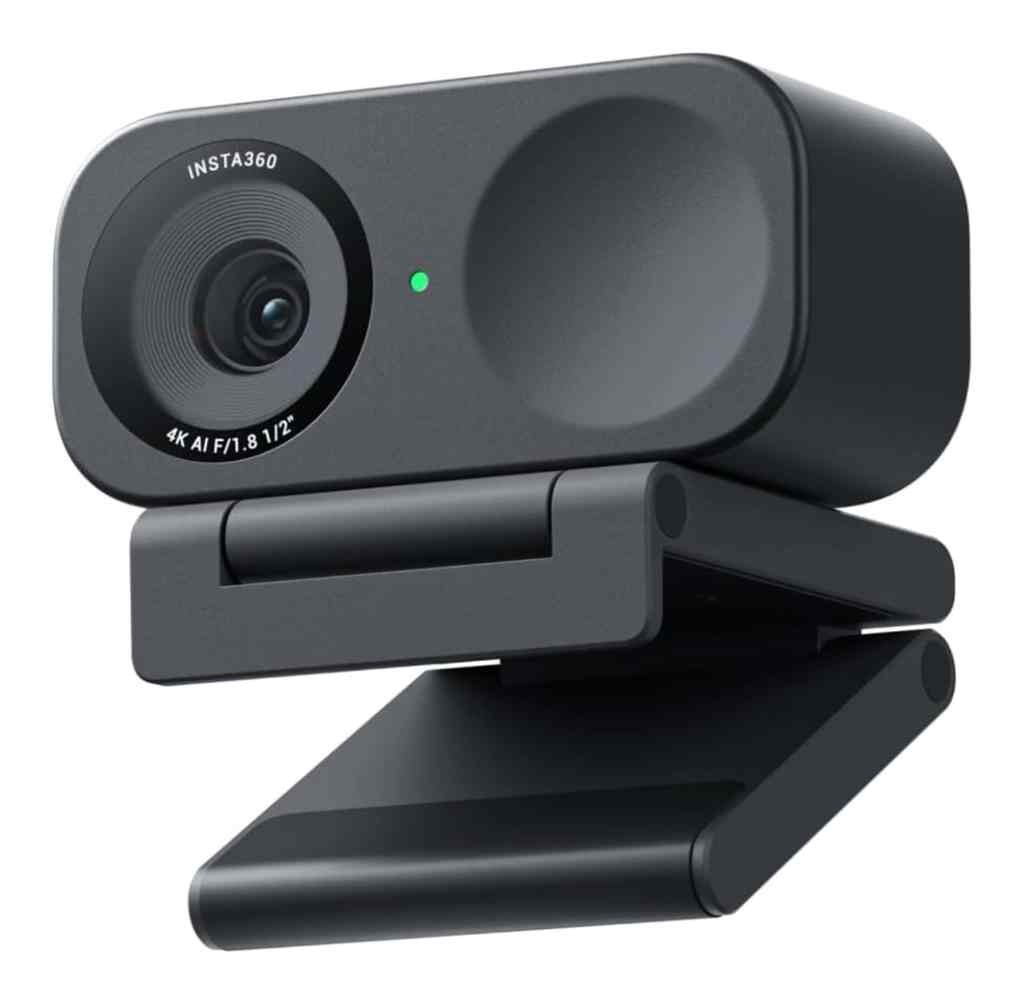
Insta360 Link 2C
($149.99 on Amazon.com)
- Image quality: 4K, 1080p, 720p
- Frame rate: 30fps at 4K, 60fps at 1080p, 60fps at 720p
- Low light correction: Yes
- FOV: 67°
- Autofocus: Yes
- Misc: privacy switch, 1/2″ sensor for low light environments, 4x digital zoom, AI noise-cancelling technology, Phase Detection Auto Focus (PDAF), auto framing, gesture control
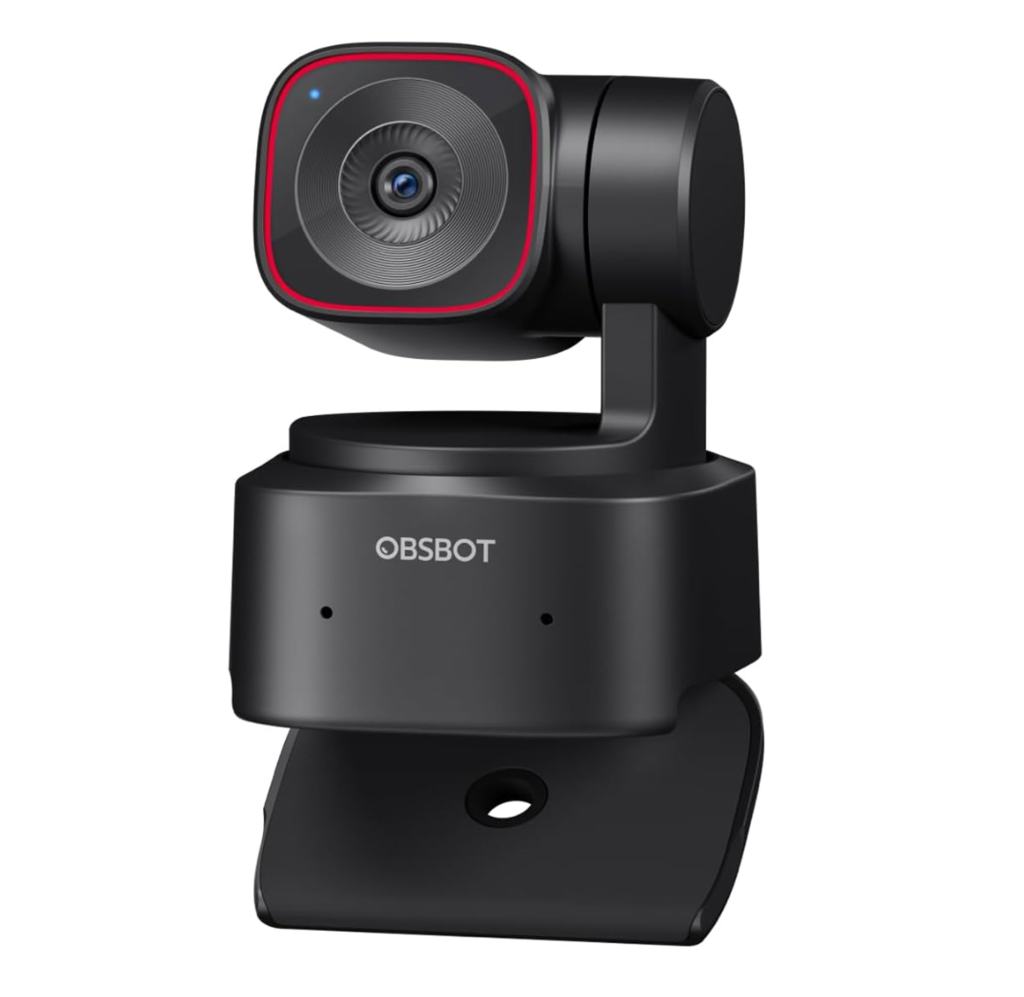
OBSBOT Tiny 2 Lite
($170.00 on Amazon.com)
- Image quality: 4K, 1080p
- Frame rate: 30fps at 4K, 60fps at 1080P
- Low light correction: Yes
- FOV: 79.4°(4:3)
- Autofocus: Yes
- Misc: AI Powered Tracking, gesture control, 4x digital zoom, in-built dual omni-directional microphones with noise reduction
Logitech Brio
($199.99 on Amazon.com)
- Image quality: 4K, 1080p, 720p
- Frame rate: 30fps at 4K, 60fps at 1080p, 90fps at 720p
- Low light correction: Yes
- FOV: 90°, 78° or 65°
- Autofocus: Yes
- Misc: privacy cover, infrared sensor, 5x digital zoom, in-built noise-cancelling dual stereo microphone

 Gaming PC Advice