
BEST LAPTOP COOLERS

Laptops generate heat when their components, such as the CPU (Central Processing Unit) and GPU (Graphics Processing Unit), are working hard to handle various tasks.
Excessive heat can negatively impact a laptop’s performance and potentially lead to thermal throttling, where the laptop reduces its performance to prevent overheating (which leads to brief freezes, pauses, or delays in animations). Over time, constant exposure to high temperatures can also shorten the lifespan of internal components.
Laptop coolers are external devices designed to help dissipate heat and keep laptops running at lower temperatures during intensive tasks or extended use.
There are two main types of laptop coolers: cooling pads (or cooling stands) and fan coolers (or vacuum fan coolers). Below is a detailed comparison of the two with pros and cons for each.
Cooling pads
Laptop cooling pads have one or more built-in fans that blow air directly onto the laptop’s underside to help dissipate heat. They have a flat surface with an ergonomic design that allows the laptop to rest on it at an angle for comfortable typing and better airflow. They are usually made of materials that conduct heat away from the laptop.
Pros of Cooling Pads:
- Minimal Noise: Cooling pads generally produce less noise compared to fan coolers, as the fans are designed for quieter operation.
- Port Accessibility: Cooling pads typically leave the laptop’s ports easily accessible, without blocking them.
- Additional Features: Some cooling pads come with extra features like additional USB ports or even built-in speakers.
Cons of Cooling Pads:
- Cooling performance: Cooling pads provide indirect cooling, as the air blown by the fans isn’t directed straight to the laptop’s internals. As a result cooling pads may be slightly less effective than fan coolers.
- Size Limitations: Cooling pads are available in different sizes, and it’s essential to choose one that fits your laptop’s size.
- Portability: Cooling pads are much heavier and bulkier than fan coolers.
- Positioning: Your laptop will need to sit on a tilted surface, which some people may find uncomfortable.
Fan Coolers
Fan coolers are smaller devices attached or mounted directly onto the laptop vents to provide an active air flow and cool down the laptop’s internal hot components.
Pros of Fan Coolers:
- Direct Cooling: Fan coolers provide more direct cooling to the laptop’s internal components, as the fans blow air directly over the critical areas.
- Portability: Many fan coolers are compact and lightweight, making them highly portable and easy to carry around.
- Versatility: Some fan coolers come with adjustable fan speeds, allowing you to customize the cooling performance according to your laptop’s needs. Fan speed can also be automatically adjusted based on temperature sensors.
- Easy maintenance: Over time, dust, dirt, and debris can accumulate on a laptop cooler’s fans and vents, reducing their effectiveness and airflow. Thanks to their small and compact size, fan coolers are much easier to clean than cooling pads.
Cons of Fan Coolers:
- Port Placement: Depending on the laptop’s design, attaching fan coolers can sometimes block ports, hindering accessibility.
- Noise: Fan coolers can be noisier compared to cooling pads, especially at higher fan speeds.
In summary, if direct cooling and portability are crucial for you, a fan cooler might be the better choice. On the other hand, if you prioritize quieter operation and don’t mind having your laptop sitting at an angle, a cooling pad could be more suitable.
Below are some of the best laptop coolers on the market, ordered by increasing price (prices are in US$ and may vary depending on current promotions and availability). Please make sure that you also check our regularly updated News & Deals section for limited-time offers.
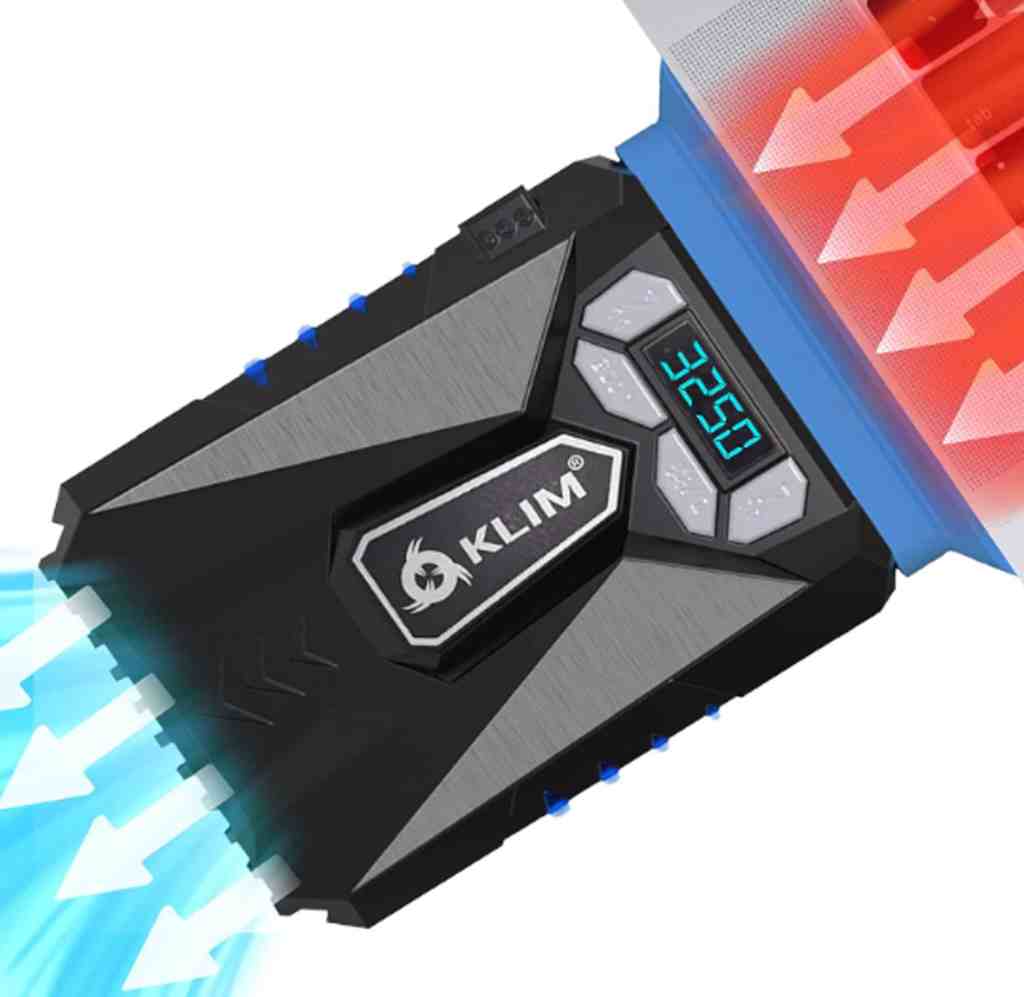
KLIM Fan Cooler
($24.97 on Amazon.com)
- Size: for 12″-17″ laptops
- Weight: 5.5 oz (155 g)
- Fans: 1
- Fan speed: up to 4200 RPM
- Misc: manual and automatic mode, temperature display, 4 interchangeable rubber sleeves
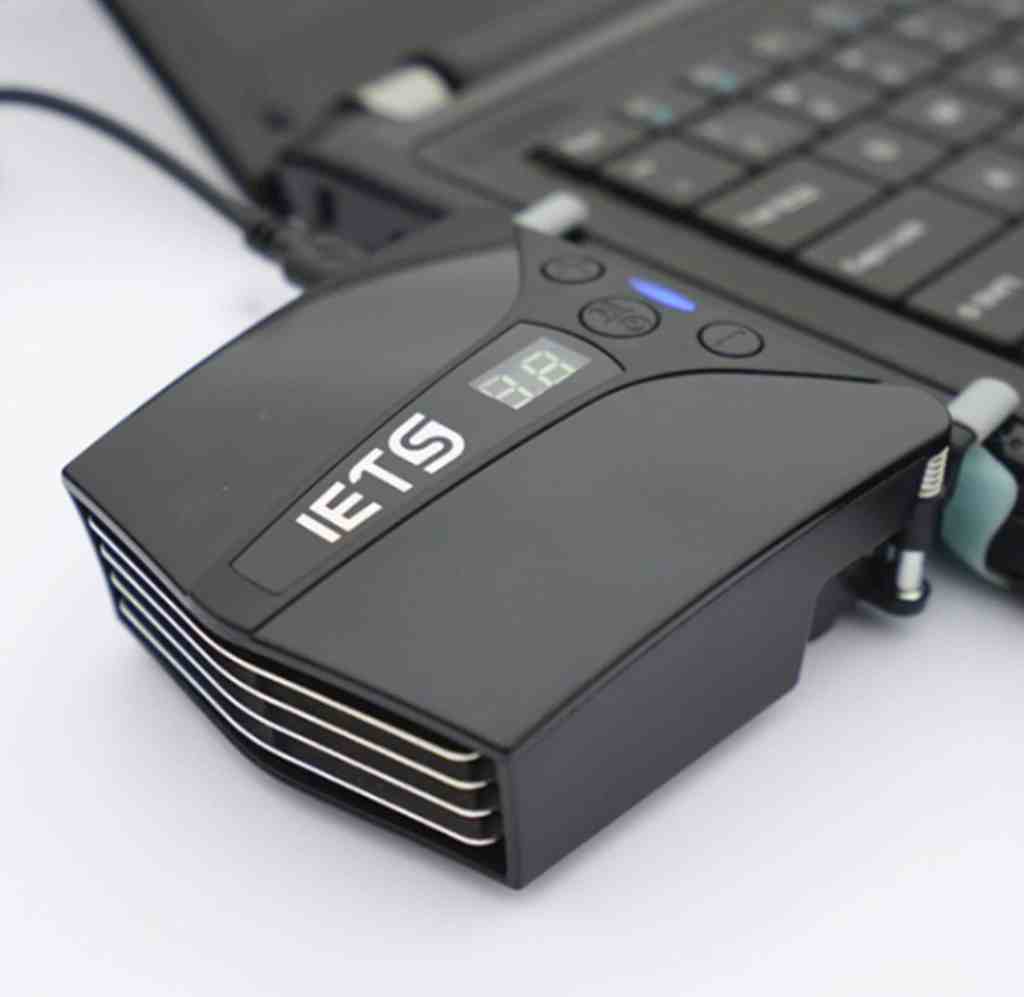
IETS Fan Cooler
($25.99 on Amazon.com)
- Size: for 12″-17″ laptops
- Weight: 4 oz (114 g)
- Fans: 1
- Fan speed: up to 5000 RPM
- Misc: manual and automatic mode, temperature display, 3 interchangeable rubber sleeves
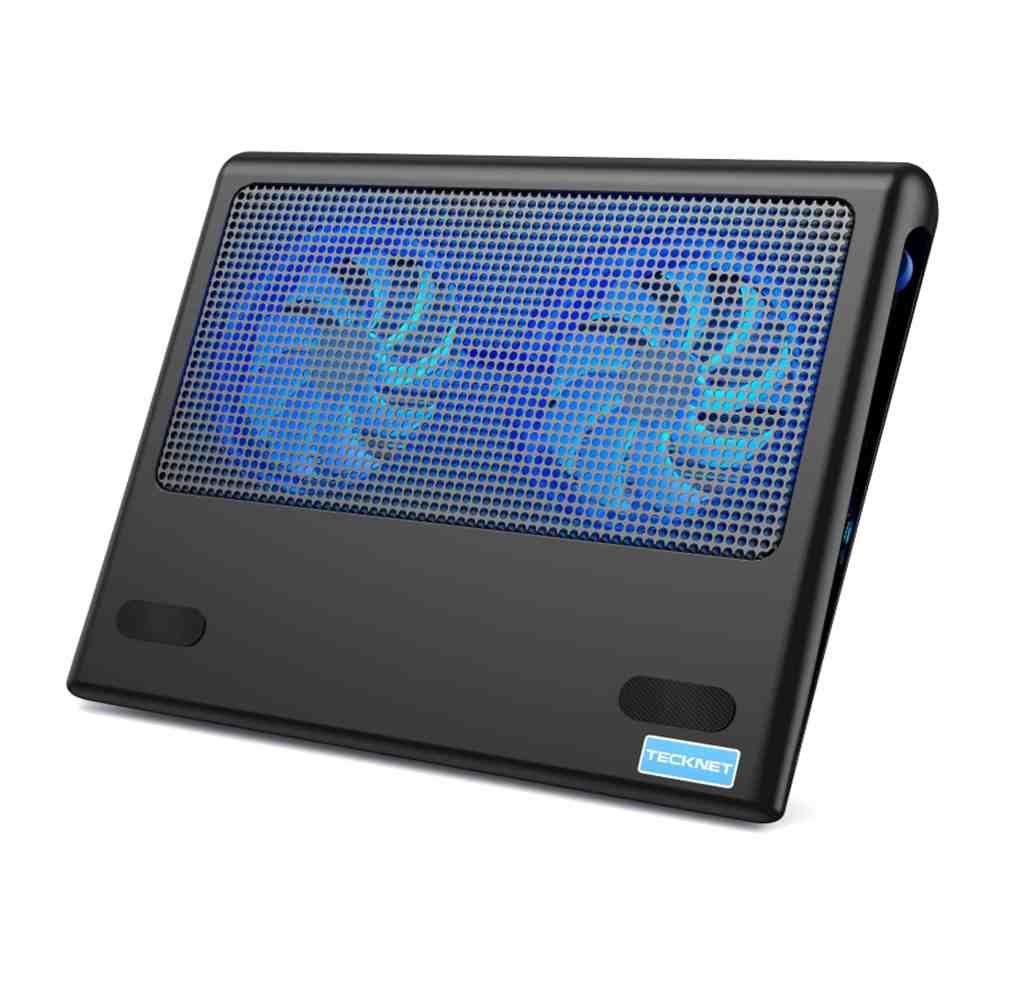
TECKNET Cooling Pad
($25.99 on Amazon.com)
- Size: for 12″-16″ laptops
- Weight: 1.76 lb (0.8 Kg)
- Fans: 2
- Fans speed: up to 1800 RPM
- Misc: adjustable fans speed, dual USB hub, LED lights
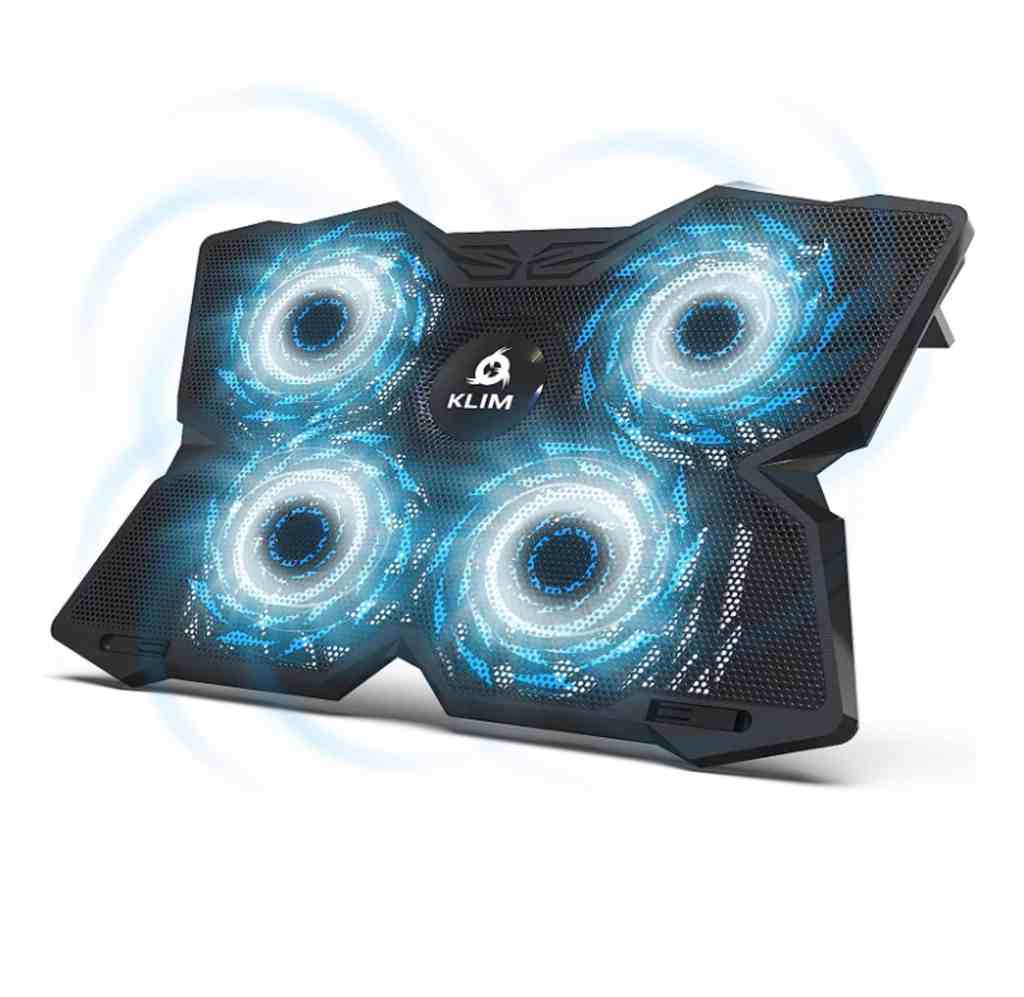
KLIM Cooling Pad
($34.97 on Amazon.com)
- Size: for 11″-17.3″ laptops
- Weight: 1.6 lb (0.73 Kg)
- Fans: 4
- Fans speed: 1200 RPM
- Misc: dual USB hub, two stoppers on the front to prevent laptop from falling off, LED lights
LIANGSTAR Cooling Pad
($37.99 on Amazon.com)
- Size: for 15.6″-17″ laptops
- Weight: 2.1 lb (0.95 Kg)
- Fans: 6
- Fans speed: up to 2600 RPM
- Misc: adjustable fans speed, 2 adjustable height settings, dual USB hub, two stoppers on the front to prevent laptop from falling off, LED lights

llano V12 RGB Cooling Pad
($119.99 on Amazon.com)
- Size: for 15.6″-18″ laptops
- Weight: 3.97 lb (1.8 Kg)
- Fans: 1
- Fans speed: up to 2800 RPM
- Misc: adjustable fan speed, adjustable height, USB hub (3 USB Type-A 2.0), stopper on the front to prevent laptop from falling off, customizable RGB lights (10 dynamic modes), dust filter

 Gaming PC Advice