
BEST GAMING MONITORS
Size, shape, and finish
When choosing a gaming monitor the first thing to consider is display size. Gaming monitors range from 24″ to 32″ (diagonal length). Different sizes are ideal for different games.
For example, if you plan to play some FPS games competitively, then smaller 24″-25″ monitors are better, because they let you see everything happening on the screen while sitting close to the screen. For more casual gamers a 27″ monitor is probably best, but If you love story-based games and want to enjoy some realistic, beautiful graphics, then the larger 28″-32″ monitors are what you need.
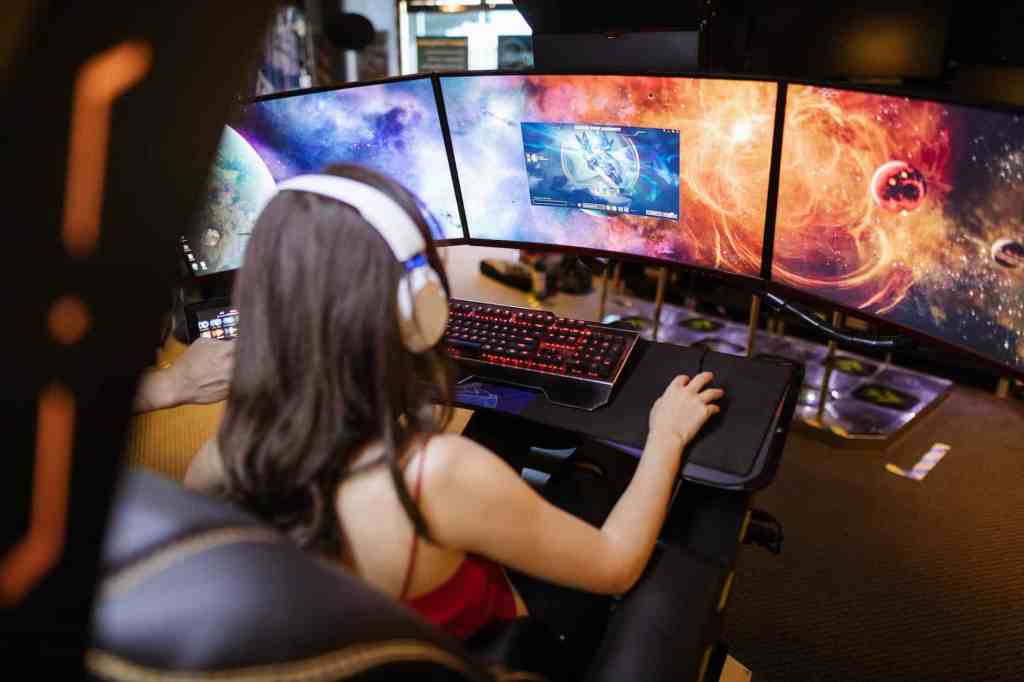
You can also place two or three smaller monitors side by side to provide a much wider field of view, but in this case make sure you buy frameless displays.
There are two main aspect ratios (AR) for gaming, 21:9 and 16:9. 16:9 is the most common aspect ratio, while ultrawide 21:9 is great for increased immersion, since it lets you see a lot more screen space.
Some monitors have curved displays. Curved monitors look cool, eliminate distortion, and are more comfortable for your eyes. However, they tend to be expensive, do not support native aspect ratios for many games, take up more room on your desk, and are not ideal if you use your PC also for work.
When it comes to the finish, there are matte vs. glossy surfaces. The matte is best for gaming, because it prevents those distracting reflections to get in the way of what’s happening on screen. Reflections can also strain your eyes in the long run.
Response time, refresh rate, and resolution
Remember that for gaming you should pick a monitor with low response time (the time it takes a pixel to shift from one color to another; ideally 5 ms or less) and a high refresh rate (how many times per second a display updates the onscreen image; ideally 144 Hz or above). Faster response times and higher refresh rates lead to smoother motion and reduced motion blur in fast-paced video games.
Regarding resolution, this is given by the number of pixels that can be used to create an image on the screen. Imagine pixels as tiny squares, each with their color and brightness, placed next to each other like the pieces of a mosaic.
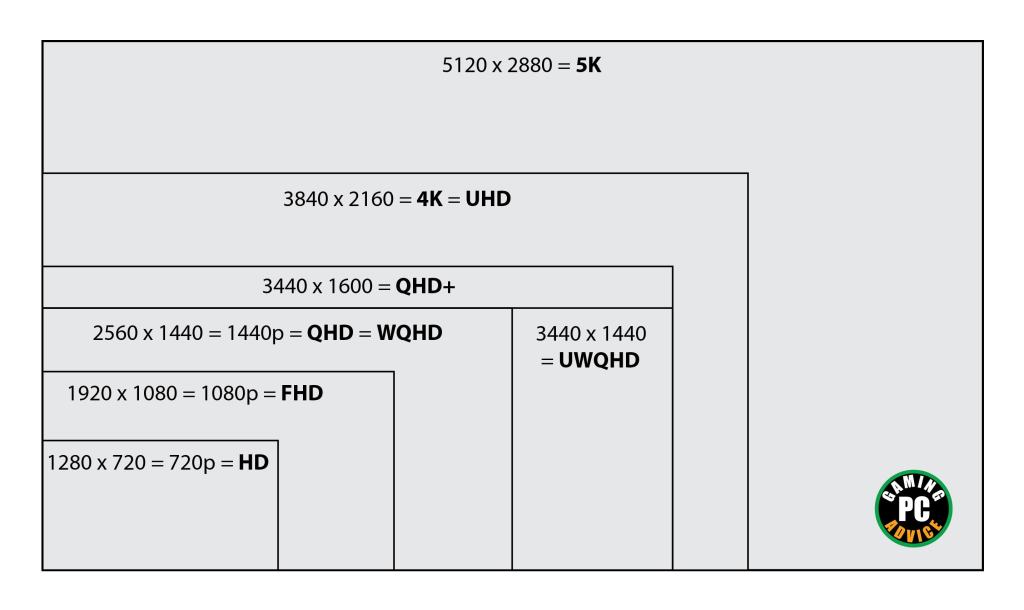
There are six main display resolutions for gaming monitors: Full High Definition aka Full HD (FHD, 1080p = 1920 x 1080 pixels), QuadHD (aka QHD or WQHD, 2560 x 1440 pixels), WQXGA (wide quad extended graphics array, 2560 x 1600), QHD+ (3440 x 1600), Ultrawide (aka UWQHD, 3440 x 1440 pixels), and 4K (aka Ultra HD, 2160p = 3840 x 2160 pixels).
In recent years, higher resolutions have also made an appearance, such as 5K (typically 5120 x 2880 pixels) and 8K (imagine four 4K monitors sticked together).
Also remember that the larger your monitor the highest the resolution you need for images to look crisp and not grainy. Ideally, you should look for at least 109 pixels per inch (ppi).
Typically Full HD monitors have the highest refresh rates, followed by QHD, QHD+, and UWQHD. Monitors with higher resolutions (i.e. 4K, 5K, 8K) offer great image quality, but tend to have the lowest refresh rates. However, there are some recent 4K and 5K monitors that are good for gaming (i.e. with refresh rates of at least 144 Hz).
Some 8K monitors can be used in gaming, but are not ideal, given their relatively low refresh rates (e.g. only 60 Hz on the Dell Ultrasharp 32″ monitor). Moreover, they require very powerful graphics cards and are very expensive.
Importantly, when choosing a resolution make sure your graphics card can handle it (check its specifications, especially for 4K or above).
G-Sync vs Adaptive Sync (FreeSync)
What are G-Sync and Adaptive Sync? These are technologies related to gaming monitors that help improve the overall gaming experience by reducing screen tearing and stuttering. They are both improvements over the older V-Sync technology (see below) and aim to synchronize the refresh rate of the monitor with the frame rate output from the graphics card to provide smoother and more visually pleasing gameplay.
- V-Sync (Vertical Synchronization): When V-Sync is enabled, the graphics card waits for the monitor to finish displaying the current frame before sending the next frame. This can result in smoother visuals but can also introduce input lag, as the graphics card may need to wait before rendering the next frame.
- G-Sync: G-Sync is a proprietary technology developed by NVIDIA and is thus used by NVIDIA graphics cards. Unlike V-Sync, G-Sync operates within a certain refresh rate range (e.g., 30-144Hz), and if the frame rate falls within this range, it provides a tear-free and stutter-free gaming experience without introducing as much input lag as traditional V-Sync.
- FreeSync: FreeSync is a technology developed by AMD and is commonly utilized by AMD graphics cards. It aims to achieve a similar effect as G-Sync. Monitors that support the FreeSync technology can freely incorporate it, and the term ‘Free’ in FreeSync emphasizes that the technology is open and available for manufacturers to implement without licensing fees.
All monitors and graphics cards support V-sync, but to take advantage of G-sync you will need an NVIDIA graphics card. On the other hand, all AMD graphics cards support FreeSync. Your monitor may have FreeSync and also be G-Sync compatible (here is the list of G-Sync compatible models).
Panel types
When choosing a gaming monitor you also need to consider panel types: the three main types are TN (twisted nematic), IPS (in-plane switching), and VA (vertical alignment). These are all based on LED technology (where a backlight shines through a liquid crystal layer to create images, therefore they are found in liquid-crystal displays or LCDs).
TN panels have the fastest response times and are relatively cheap, but image quality is not great when viewing from a side angle. VA panels have the best contrast out of all three panel types but typically have the slowest response times. IPS panels are somewhere in between TN and VA panels. This is the general breakdown, but keep in mind that some high-end VA panels can have very fast response times (1 ms).
Now going back to LED technology, recent advancements produced mini-LED and micro-LED displays. Mini-LEDs are about one-fifth the size of a normal LED, so provide much finer control over which areas of the screens are brighter and which are dimmer. Micro-LEDs are even smaller, about one-hundredth of a normal LED, and can be packed inside a large pixel (think pixels in a large TV screen), allowing for even greater control.
Another type of displays is based on the OLED technology. OLED panels offer several advantages over traditional LCD panels, such as better contrast ratios, faster response times, and the ability to individually control each pixel’s brightness. This allows for true black levels, as pixels can be turned off completely when displaying black, in contrast to most LCD monitors (but see below about micro-LEDs).
However, one of the main problems with OLED displays is the potential for burn-in or image retention, where static images displayed for prolonged periods (e.g. UI elements in a videogame) can lead to permanent ghosting or visible artifacts on the screen. This is something to be mindful of if you plan to use the monitor for several hours with static content. OLED monitors also tend to be more expensive than their LCD counterparts.
LCD displays that take advantage of micro-LED technology can achieve similar contrast as OLED displays (including pure black when the micro-LEDs packed inside a pixel are all switched off) but also much higher brightness levels. On top of that, unlike OLED displays, micro-LED displays don’t suffer from screen burn-in. Therefore, micro-LEDs are possibly the technology of the future for large displays, but currently these monitors are prohibitively expensive.
Color gamut
Color gamut coverage is generally less critical for gaming compared to tasks such as professional photo editing or graphic design. Most games are designed with a wide audience in mind and are optimized for the standard RGB (sRGB) color space. As a result, having an extremely wide color gamut may not provide a significant advantage in gaming scenarios.
However, monitors with a wider color gamut can offer more vibrant and saturated colors. This can enhance the overall visual experience and contribute to a more immersive gaming environment, but only in games that support it.
For example, High Dynamic Range (HDR) gaming is a technology that enhances the visual quality of video games by providing a broader and more realistic range of colors (beyond the traditional sRGB color space; e.g. following the DCI-P3 standard), higher contrast ratios, and a greater range between the darkest and brightest parts of an image.
To enjoy HDR gaming, you need a compatible display that supports HDR standards, such as HDR10, Dolby Vision, or HLG (Hybrid Log-Gamma). However, keep in mind that the game itself must be developed to include HDR content.
Below are some of the best gaming monitors, ordered by increasing price (prices are in US$ and may vary depending on current promotions and availability). Please make sure that you also check our regularly updated News & Deals section for limited-time offers.
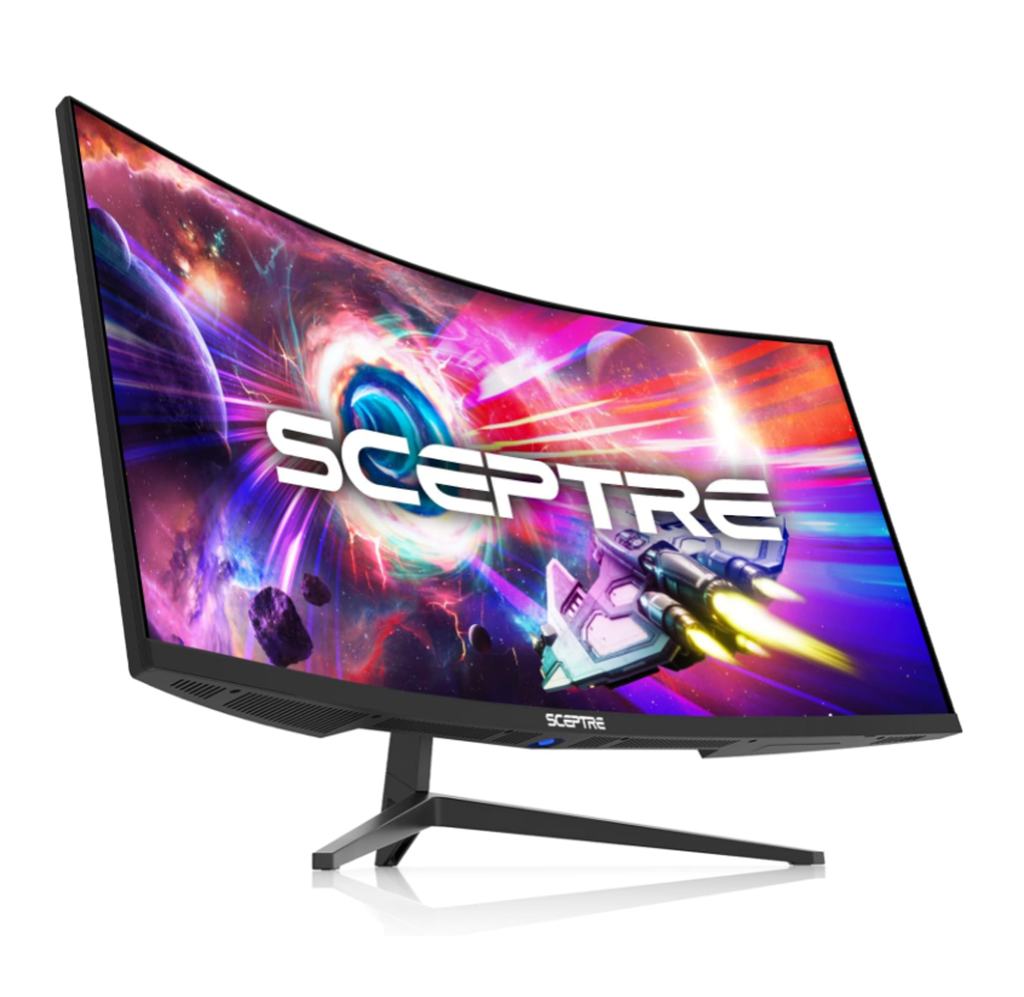
GIGABYTE 27″ (GS27FC)
($169.99 on Amazon.com)
- Size: 27″
- AR: 16:9
- Style: curved
- Resolution: 1920×1080 (FHD)
- Response time: 1 ms
- Refresh rate: 165 Hz
- Panel: VA
- Video ports: 2x HDMI 2.0, 1x DisplayPort 1.4
- Misc: FreeSync Premium, blue light filter, flicker-free, wall mountable
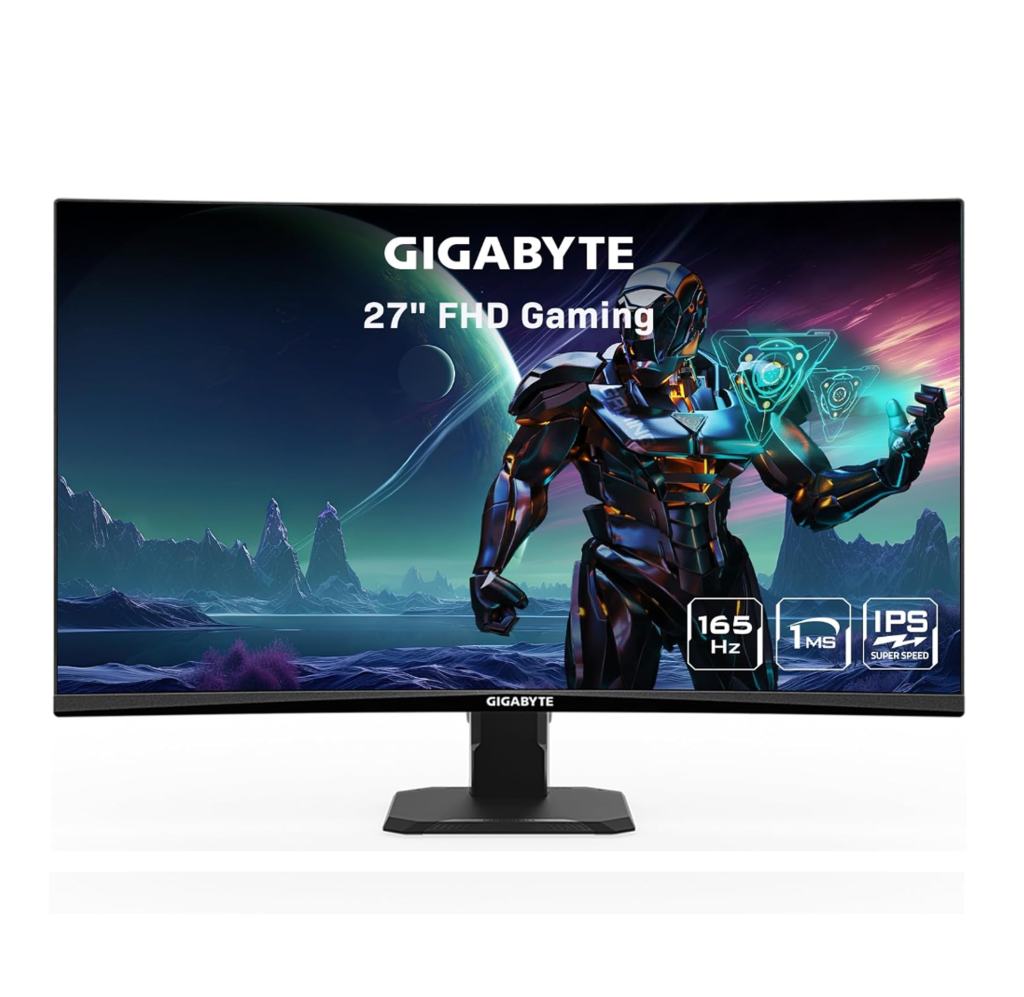
Sceptre 34” (C345B-QUT168)
($279.97 on Amazon.com)
- Size: 34″
- AR: 21:9
- Style: curved
- Resolution: 3440×1440 (UWQHD)
- Response time: 1 ms
- Refresh rate: 165 Hz
- Panel: VA
- Video ports: 2x HDMI 2.0, 2x DisplayPort 1.4
- Misc: FreeSync Premium, blue light filter, frameless on 3 sides, tilt adjustable, anti-glare coating, built-in speakers
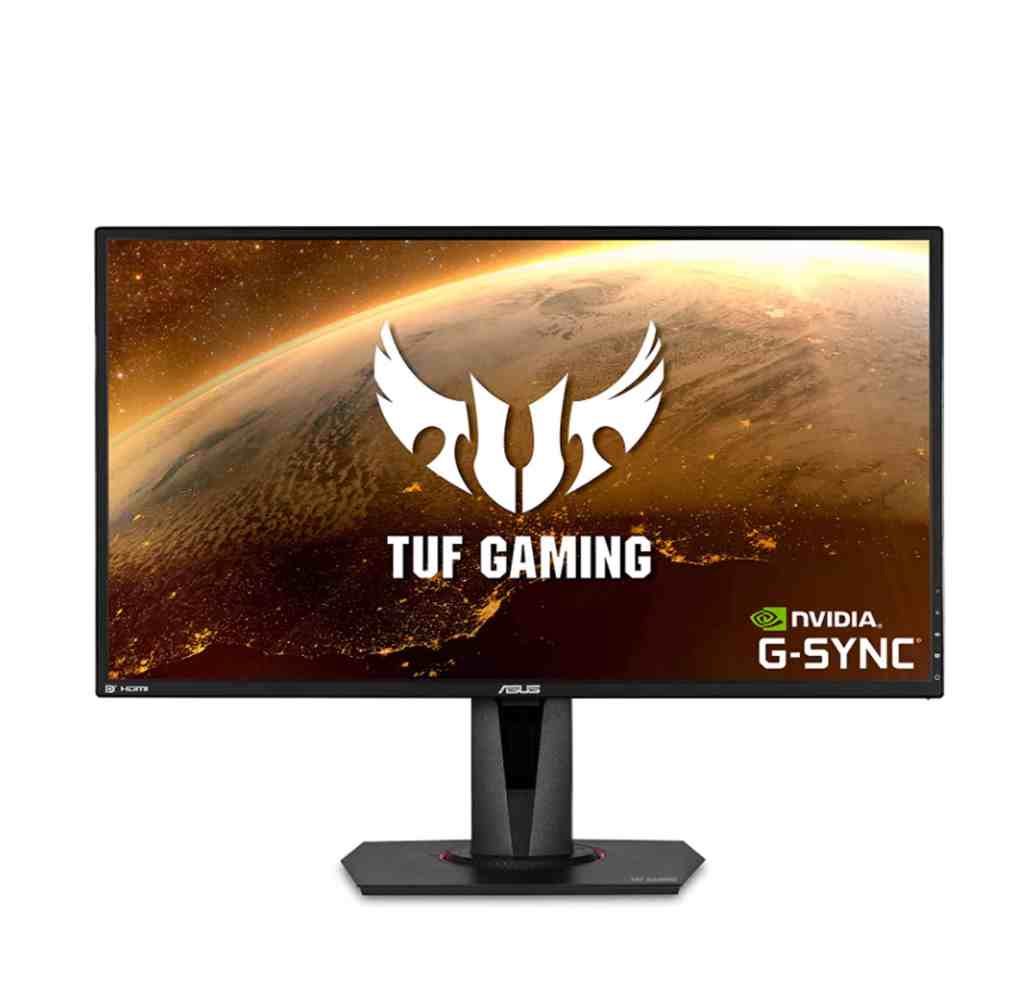
ASUS TUF Gaming 27″ (VG27AQ)
($309.00 on Amazon.com)
- Size: 27″
- AR: 16:9
- Style: flat
- Resolution: 2560×1440 (QHD)
- Response time: 1 ms
- Refresh rate: 165 Hz
- Panel: IPS
- Video ports: 2x HDMI 2.0, 1x DisplayPort 1.2
- Misc: FreeSync, G-Sync compatible, wall mountable, height/tilt/swivel/pivot adjustable, flicker-free, built-in speakers
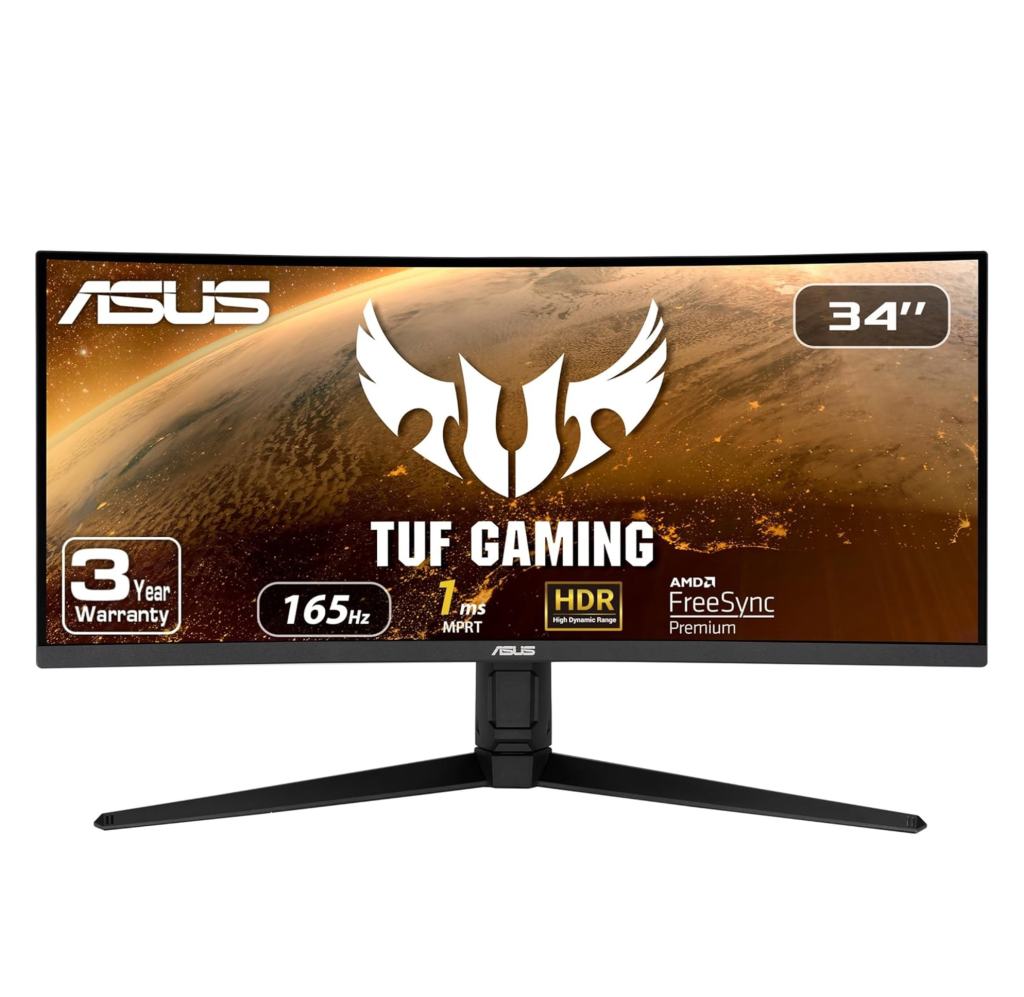
ASUS TUF Gaming 34″ (VG34VQL1B)
($369.00 on Amazon.com)
- Size: 34″
- AR: 21:9
- Style: curved
- Resolution: 3440×1440 (UWQHD)
- Response time: 1 ms
- Refresh rate: 165 Hz
- Panel: VA
- Video ports: 2x HDMI 2.0, 2x DisplayPort 1.4
- Misc: FreeSync Premium, height/tilt/swivel adjustable, low blue light, flicker-free, anti-glare coating, Shadow Boost technology, built-in speakers
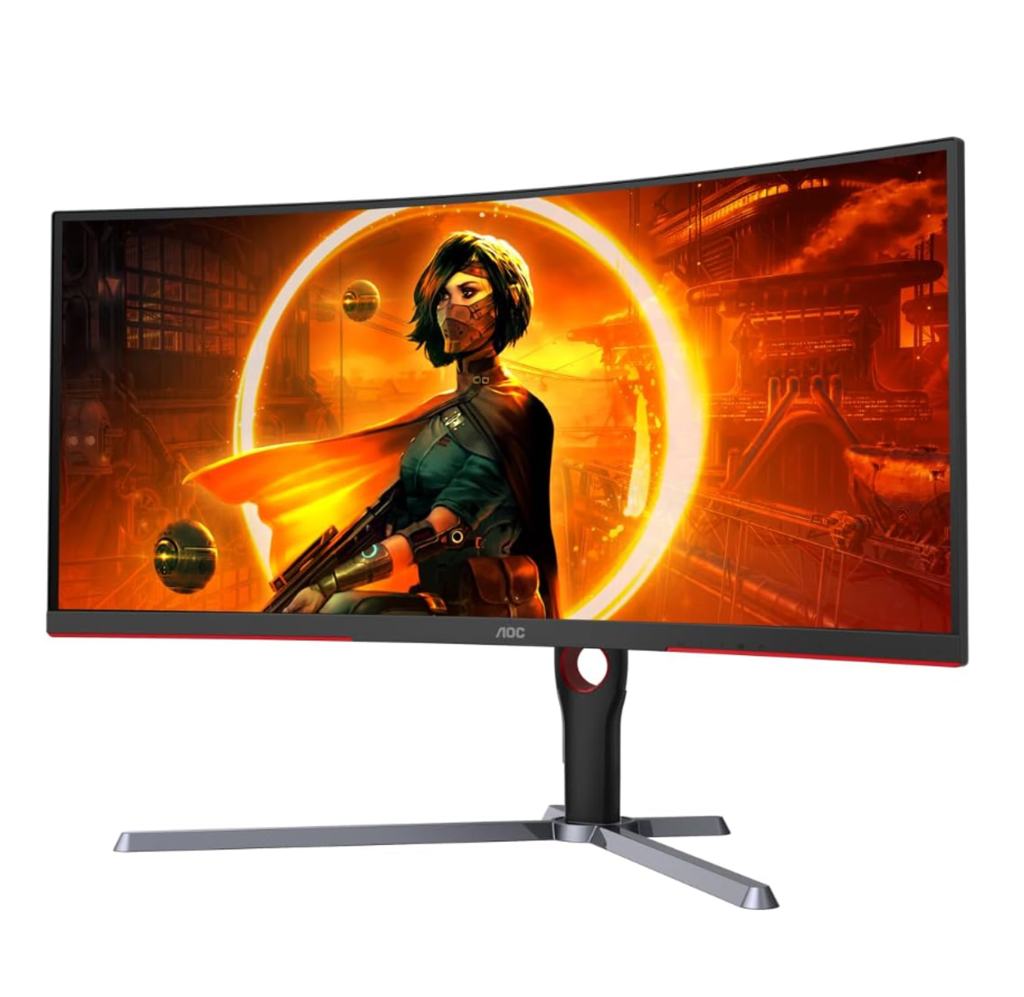
AOC 34″ (CU34G3S)
($391.63 on Amazon.com)
- Size: 34″
- AR: 21:9
- Style: curved
- Resolution: 3440×1440 (UWQHD)
- Response time: 1 ms
- Refresh rate: 165 Hz
- Panel: VA
- Video ports: 2x HDMI 2.0, 2x DisplayPort 1.4
- Misc: Freesync Premium, height adjustable, built-In speakers, frameless
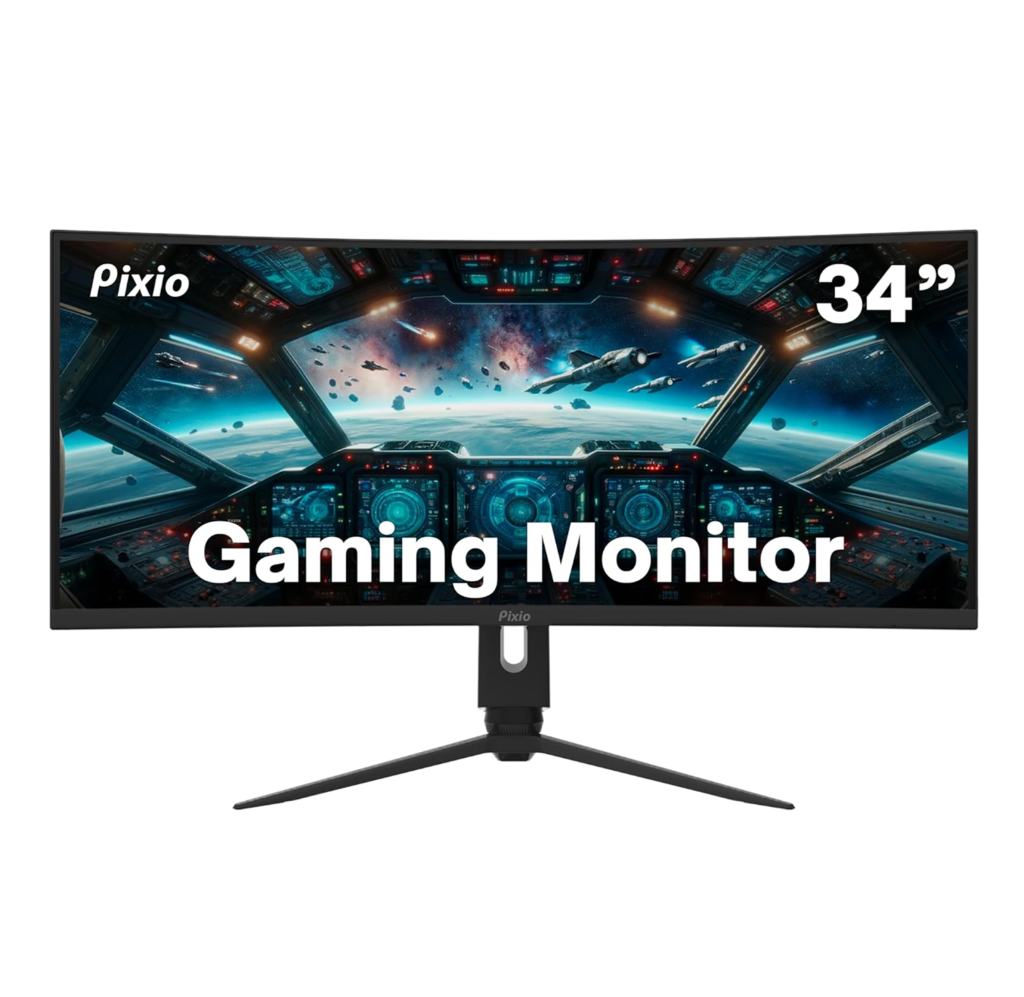
Pixio 34″ (PXC348)
($399.99 on Amazon.com)
- Size: 34″
- AR: 21:9
- Style: curved
- Resolution: 3440×1440 (UWQHD)
- Response time: 1 ms
- Refresh rate: 144 Hz
- Panel: VA
- Video ports: 2x HDMI 2.0, 1x DisplayPort 1.4
- Misc: Freesync Premium, blue light filter, built-In speakers
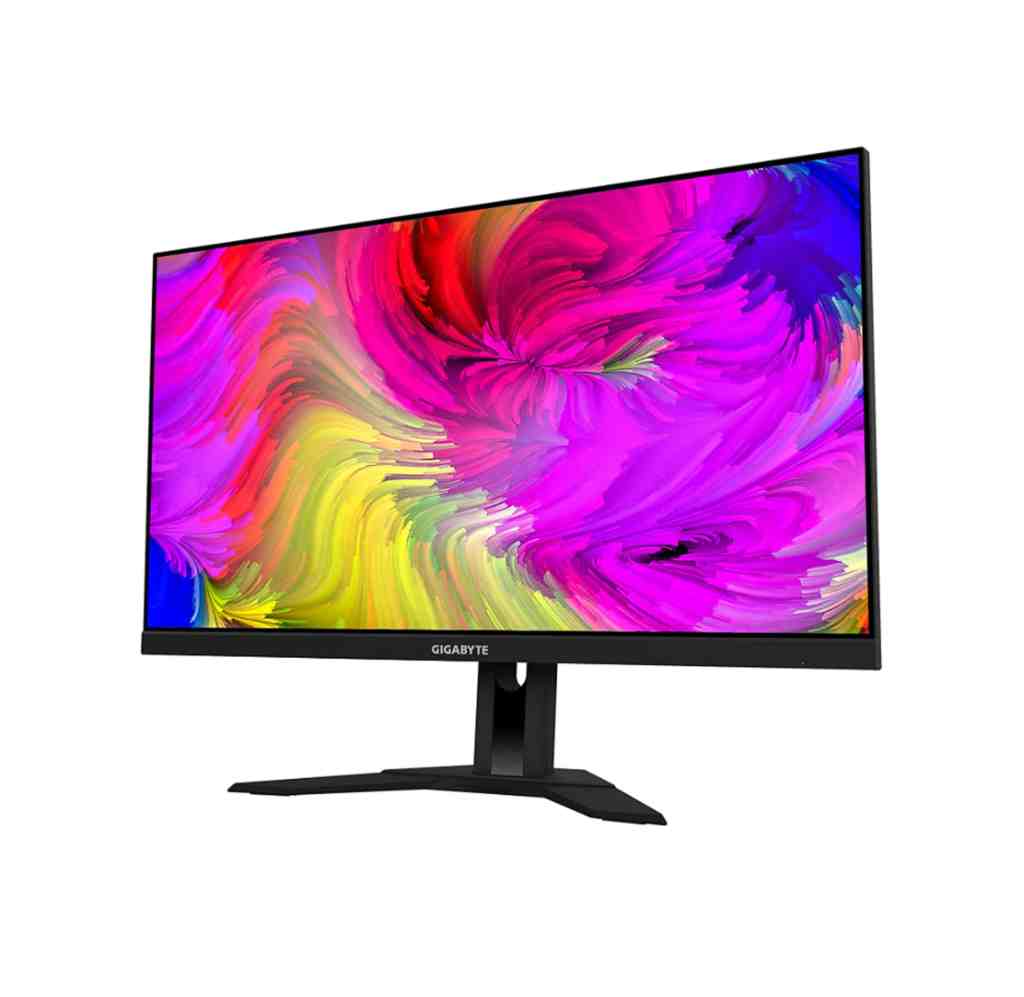
GIGABYTE 28″ (M28U)
($599.99 on Amazon.com)
- Size: 28″
- AR: 16:9
- Style: flat
- Resolution: 3840×2160 (4K)
- Response time: 1 ms
- Refresh rate: 144 Hz
- Panel: IPS
- Video ports: 2x HDMI 2.1, 1x DisplayPort 1.4
- Misc: FreeSync Premium Pro, height and tilt adjustable, anti glare screen, flicker-free, wall mountable
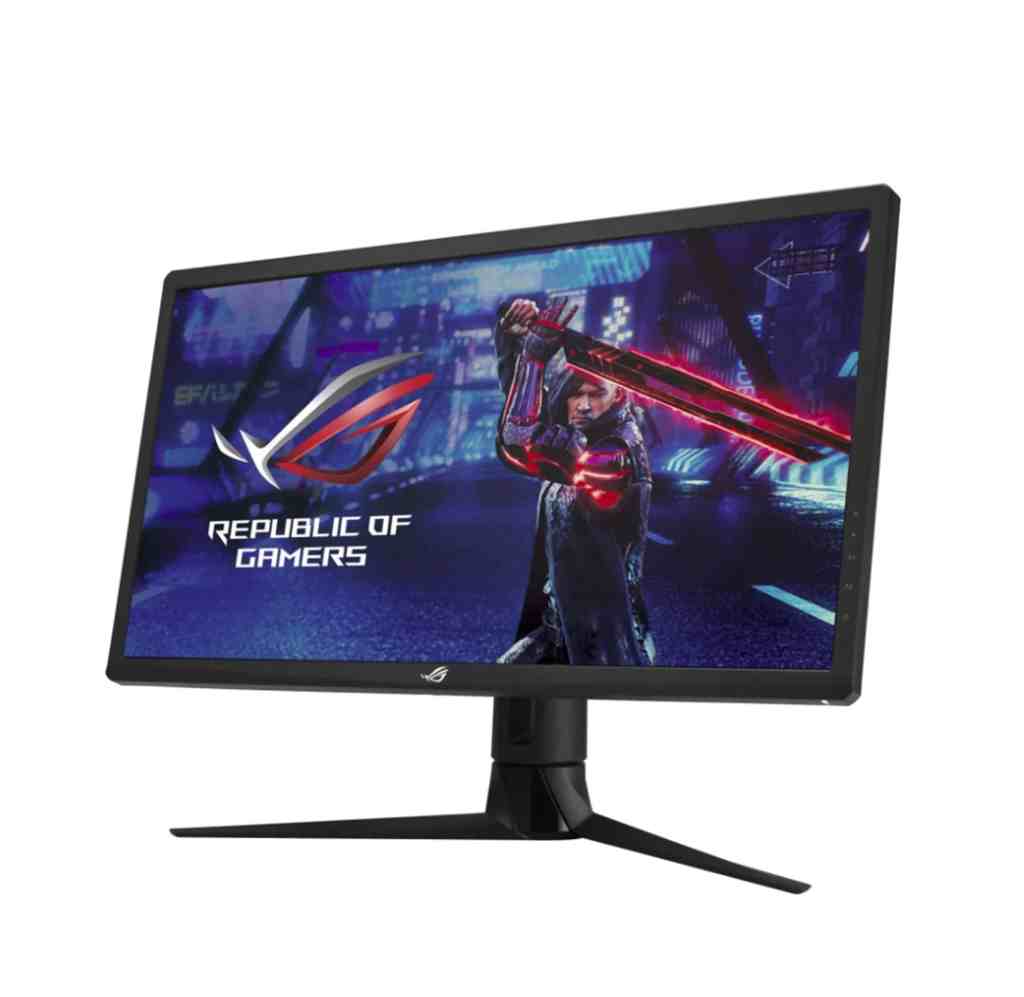
ASUS ROG Strix 27″ (XG27UQR)
($629.00 on Amazon.com)
- Size: 27″
- AR: 16:9
- Style: flat
- Resolution: 3840×2160 (4K)
- Response time: 1 ms
- Refresh rate: 144 Hz
- Panel: IPS
- Video ports: 2x HDMI 2.0, 2x DisplayPort 1.4
- Misc: G-Sync, height/tilt/swivel adjustable, blue light filter, flicker-free, anti glare screen
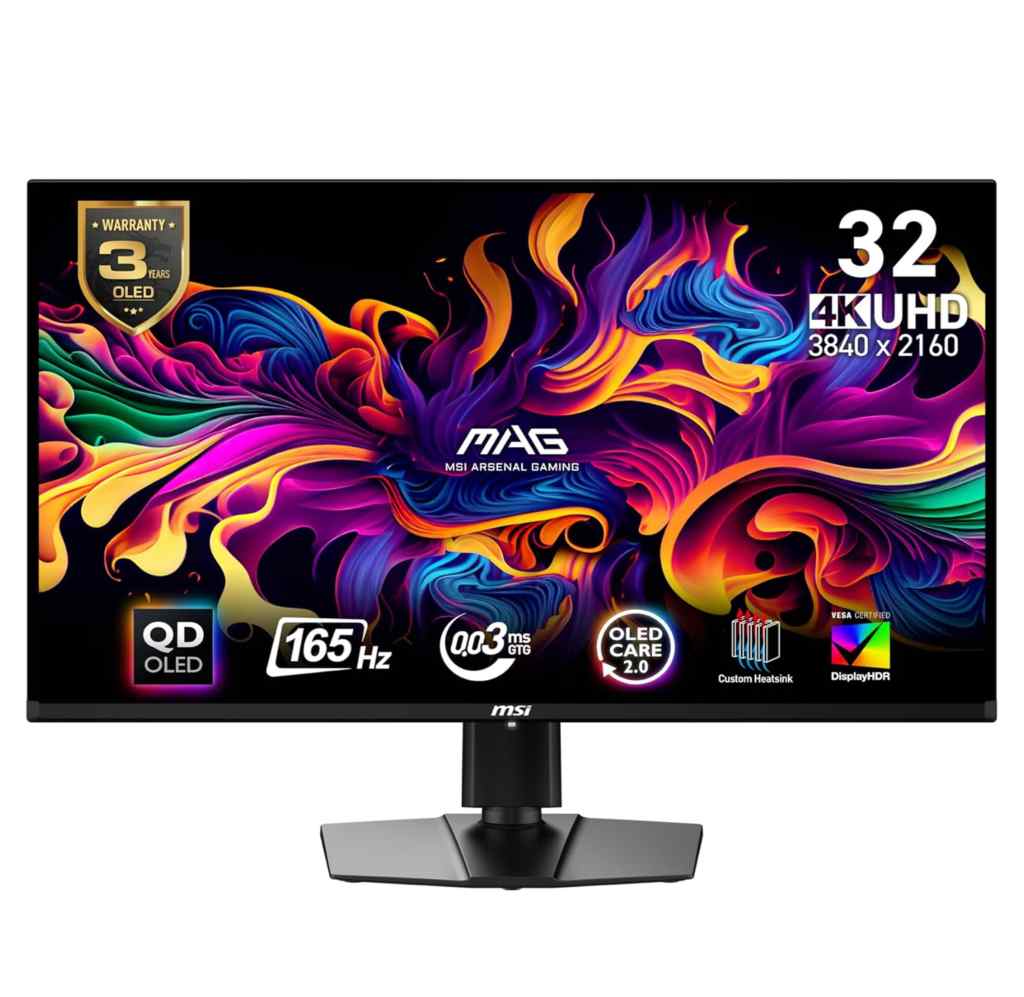
MSI 32″ (MAG321UPQDOLED)
($770.97 on Amazon.com)
- Size: 32″
- AR: 16:9
- Style: flat
- Resolution: 3840×2160 (UHD/4K)
- Response time: 0.03 ms
- Refresh rate: 165 Hz
- Panel: OLED
- Video ports: 2x HDMI 2.1, 1x DisplayPort 1.4a
- Misc: FreeSync, height/swivel/tilt adjustable, anti-glare, flicker-free, low blue light, wall mountable
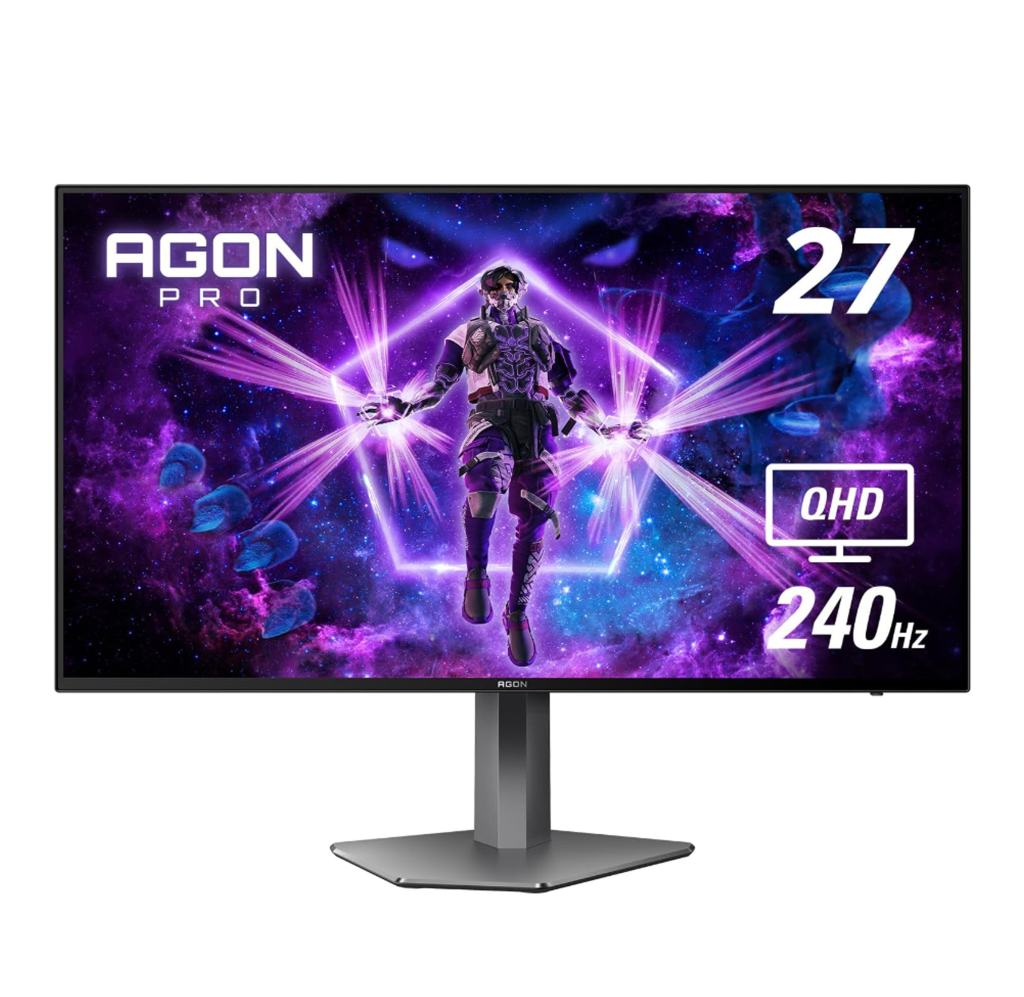
AOC Agon PRO 27″ (AG276QZD)
($799.99 on Amazon.com)
- Size: 27″
- AR: 16:9
- Style: flat
- Resolution: 2560×1440 (QHD)
- Response time: 0.03 ms
- Refresh rate: 240 Hz
- Panel: OLED
- Video ports: 2x HDMI 2.0, 2x DisplayPort 1.4
- Misc: FreeSync Premium, G-Sync compatible, height/tilt/swivel/pivot adjustable, frameless, built-in speakers, wall mountable
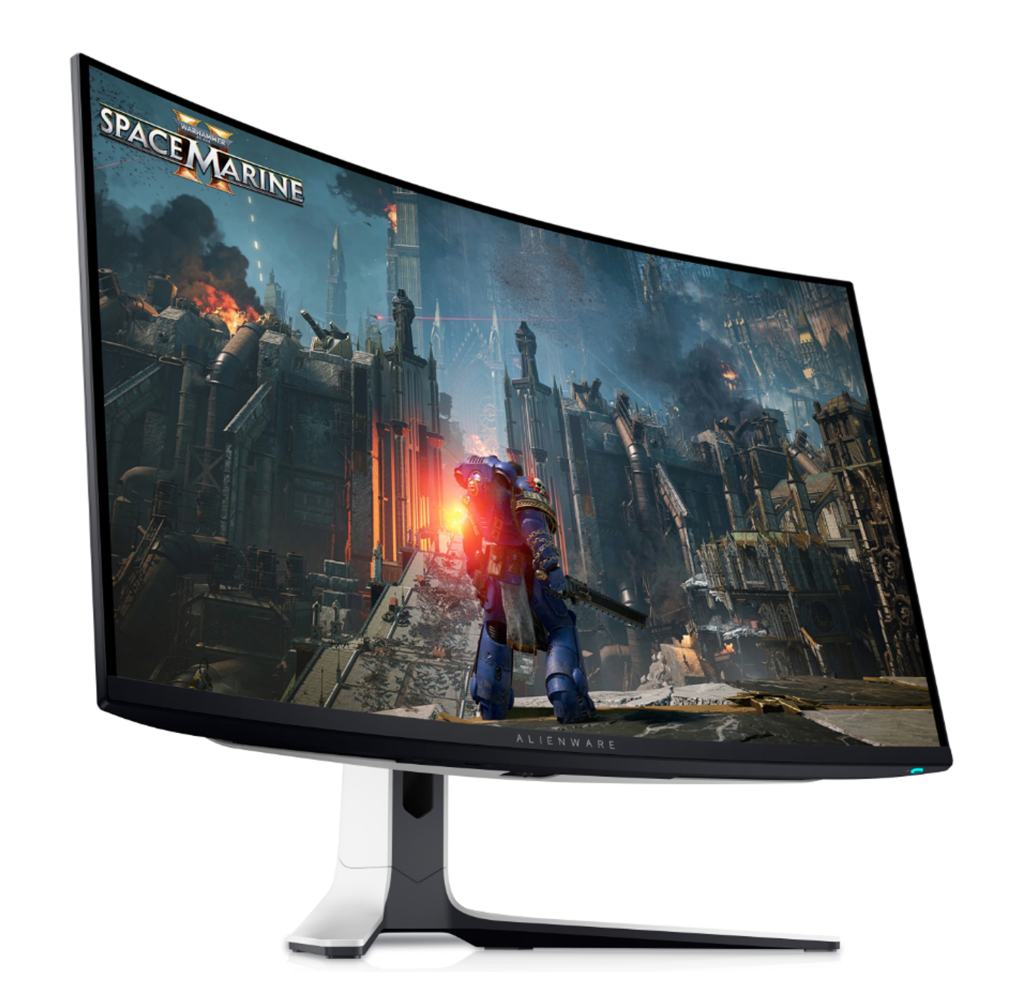
Dell Alienware 32″ (AW3225QF)
($1199.99 on Dell.com)
- Size: 32″
- AR: 16:9
- Style: curved
- Response time: 0.03 ms
- Refresh rate: 240 Hz
- Resolution: 3840×2160 (4K)
- Panel: OLED
- Video ports: 2x HDMI 2.1, 1x DisplayPort 1.4
- Misc: FreeSync Premium, G-Sync compatible, height/tilt/swivel adjustable, flicker-free, low blue light, anti reflection screen coating, wall mountable
 Gaming PC Advice